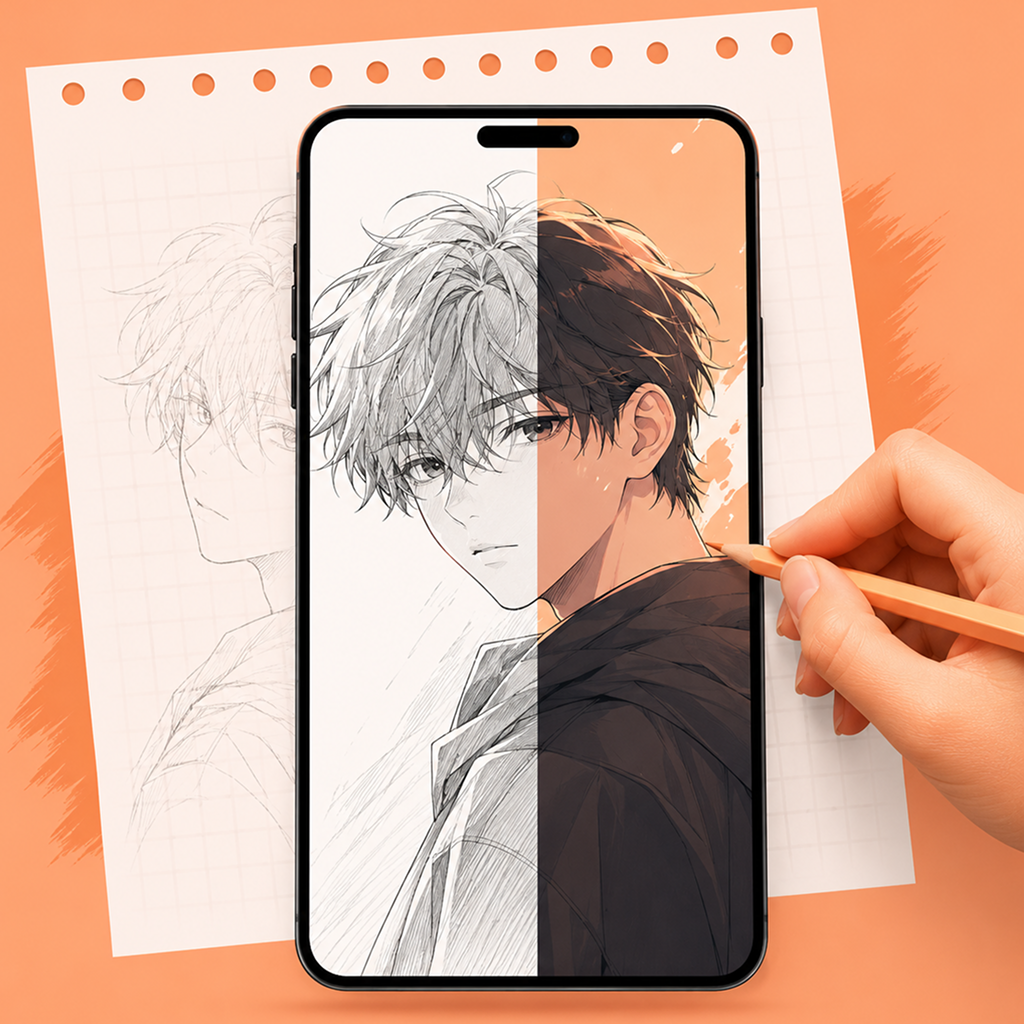
AR Drawing Features for Tracing, Sketching, and Practising
Use AR Drawing features to trace images, improve sketching accuracy, and practise drawing with a simple mobile overlay.
How AR Drawing Works
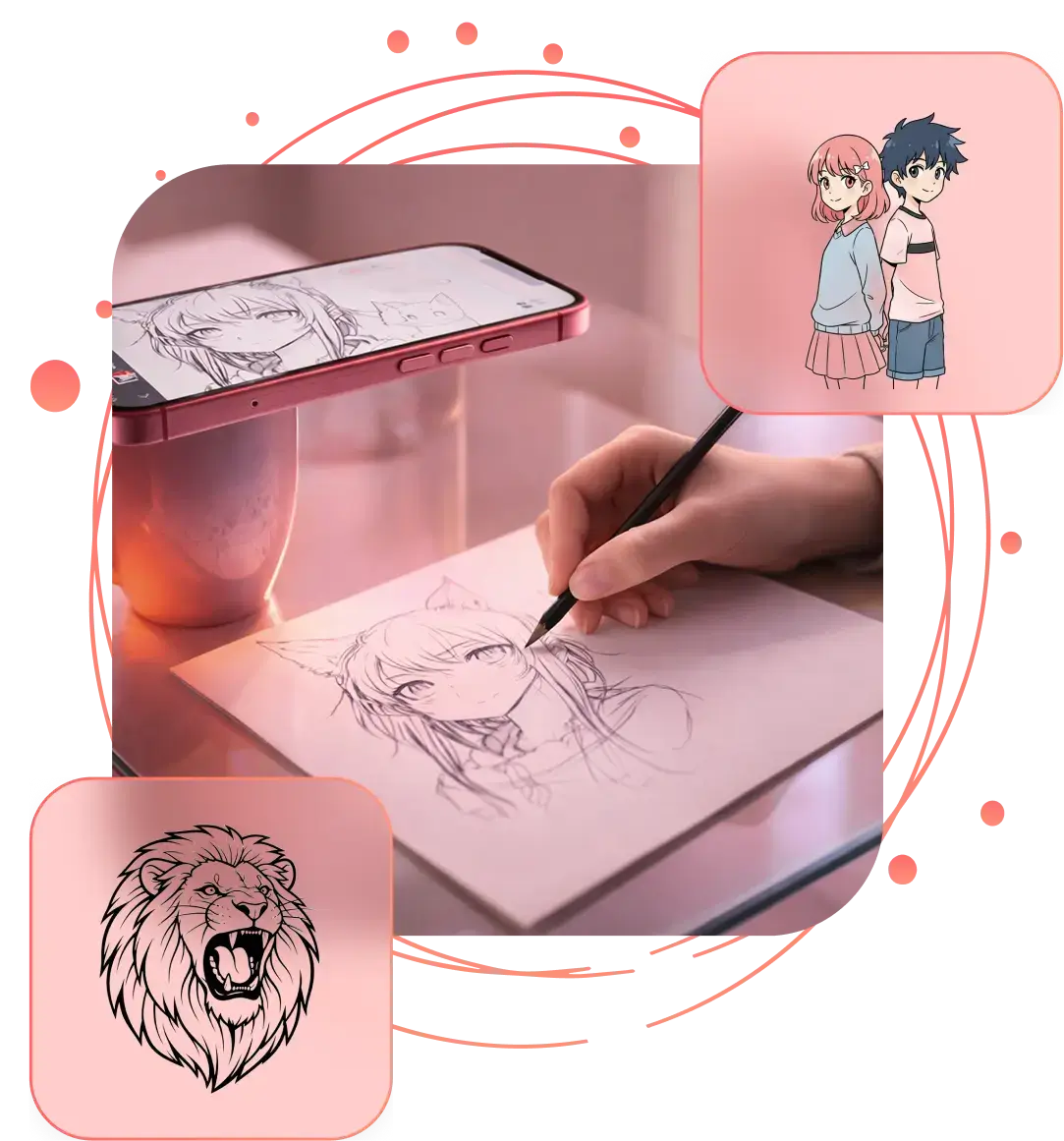
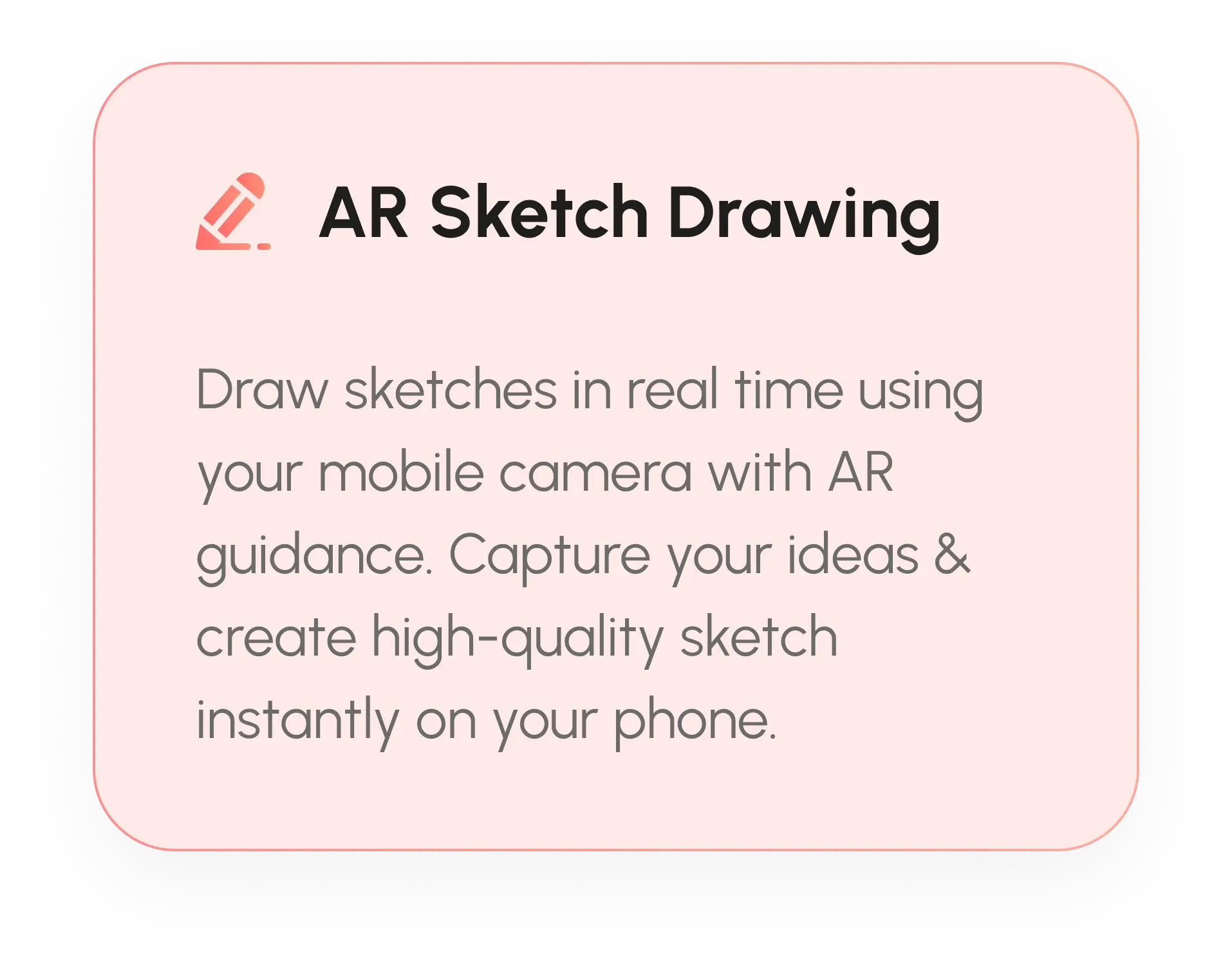
Start with an image, set your overlay, and use AR Drawing to trace, sketch, and practise smoothly on paper.
Upload or Select an Image
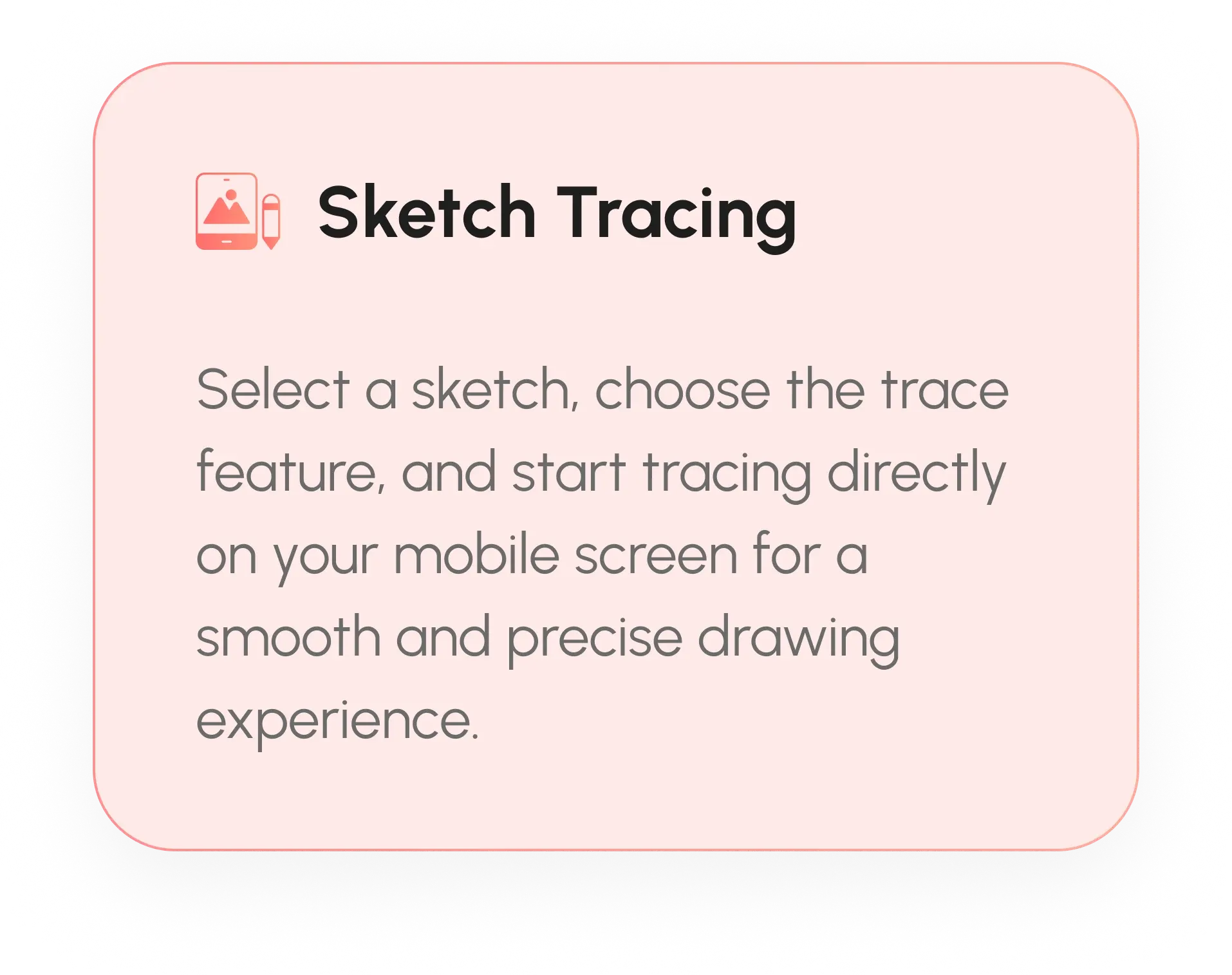
Choose a photo, outline, or sketch from your device. AR Drawing places the image on screen so you can position it clearly before you start tracing.
Align the AR Drawing Overlay
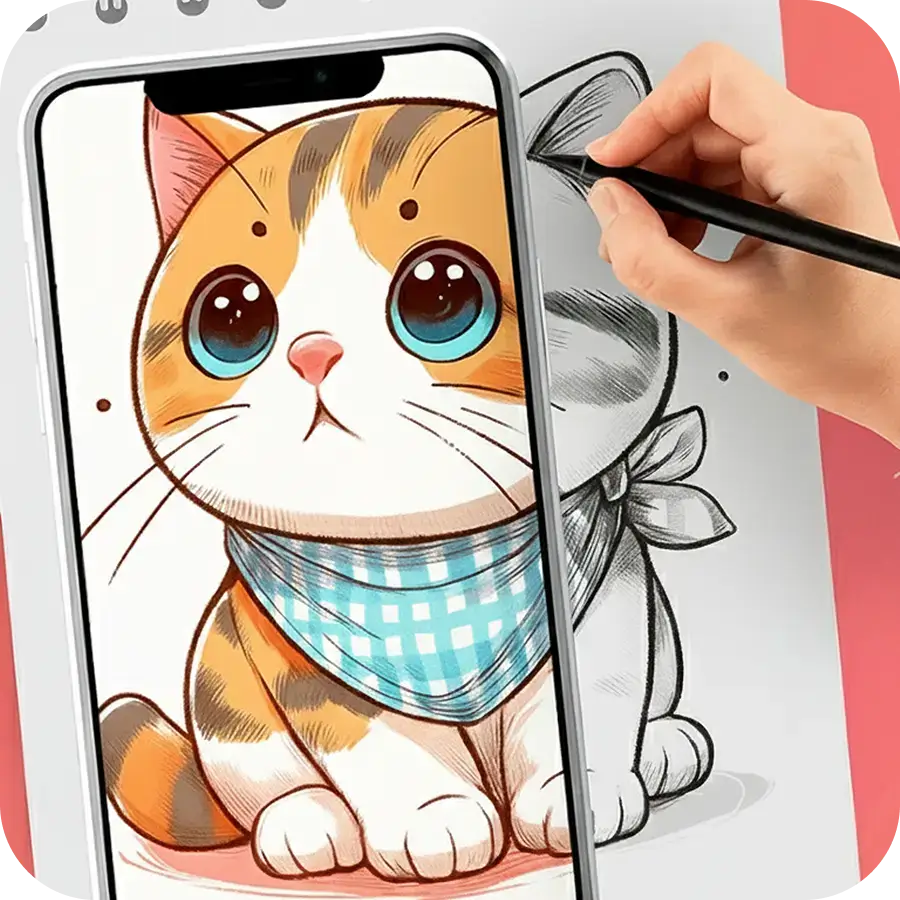
Adjust size, placement, and viewing angle so the guide fits your paper. This makes AR Drawing easier to follow and improves tracing accuracy.
Start Drawing and Tracing
Follow the on-screen guide and draw on paper at your own pace. AR Drawing helps beginners and artists create cleaner lines and faster sketch practice.

Explore AR Drawing Examples and Sketch Ideas
See the kinds of sketches, tracing layouts, and drawing results you can create with AR Drawing on your phone.









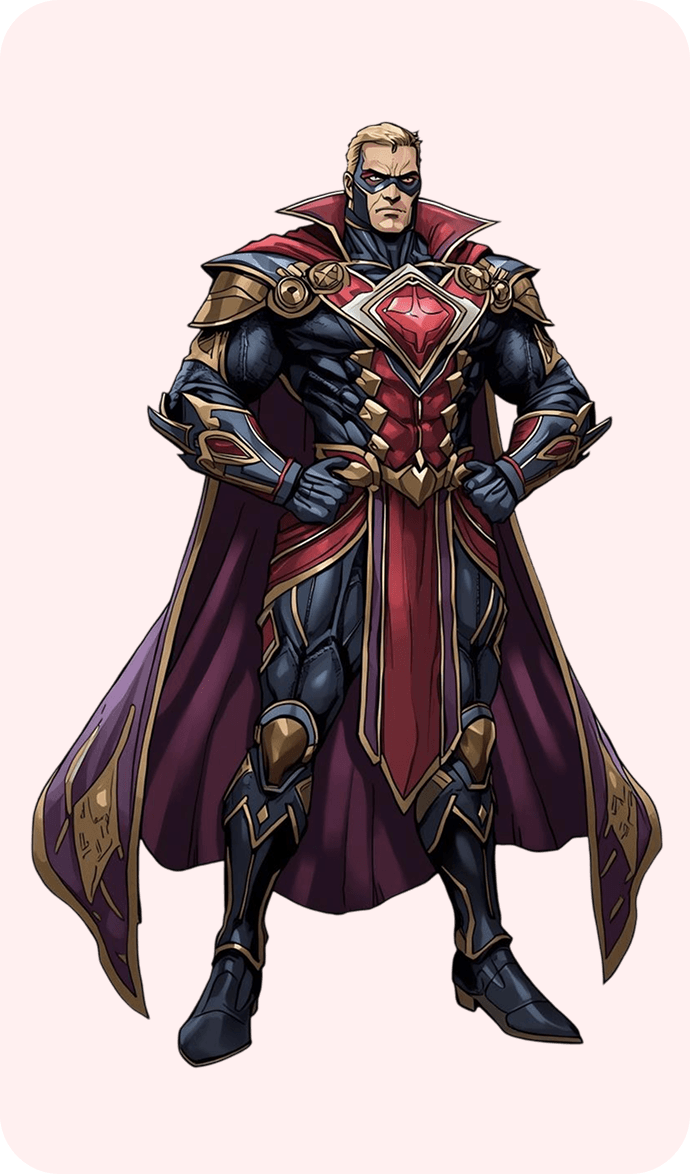
AR Drawing App Preview
Preview the AR Drawing app interface and see how the tracing overlay helps you draw and trace sketches with a mobile device.


Frequently Asked Questions About AR Drawing
Looking for more tips? Visit our blog or start with this guide. For help, you can also contact us.

Contact Us
We are committed to processing the information in order to contact you and talk about your project.
akash@devsrank.com
Office #112, 2nd Floor Kohinoor Plaza 1, Faisalabad, Punjab, Pakistan
+92 (300) 1234 968