Want to improve your sketching skills without spending hundreds on art supplies or taking expensive classes? If you are looking for a reliable ar drawing app for iphone, the secret lies in augmented reality tracing. In 2026, you do not need a light box, a digital projector, or years of art school training to draw realistic proportions. By projecting a digital overlay directly onto your physical paper through your smartphone camera, augmented reality bridges the gap between imagination and execution. This guide breaks down how to use AR technology to trace, learn, and master drawing right from your iPhone.
Why an AR Drawing App for iPhone Changes the Game in 2026
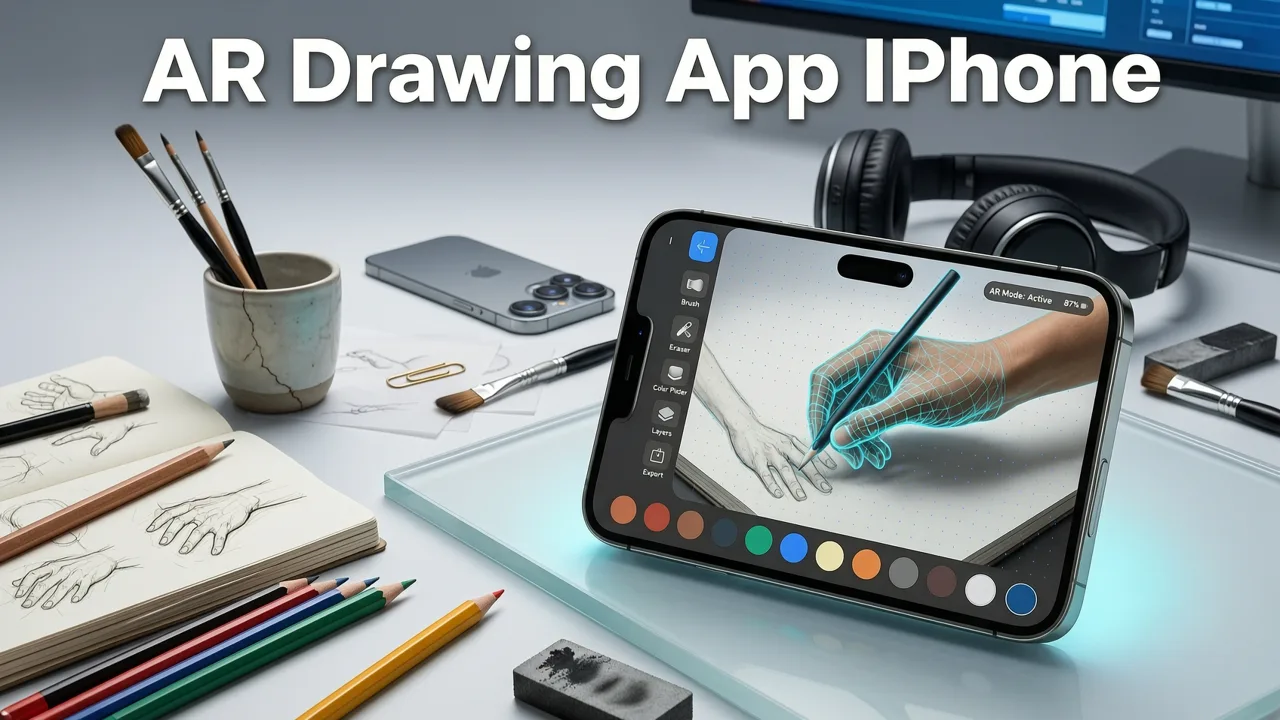
For decades, artists who struggled with proportions or perspective had to rely on cumbersome workarounds. Grid methods were tedious, and traditional art projectors were bulky, expensive, and required a dark room. The modern ar drawing app for iphone completely eliminates these barriers by turning the device you already carry in your pocket into a precision sketching tool.
Augmented reality tracing works by blending the digital and physical worlds. When you open the app, your iPhone camera captures your physical workspace. The app then renders a semi-transparent outline of your chosen reference image directly onto your live camera feed. Because the overlay is mapped to your physical paper in real-time, you can simply place your pencil on the paper and trace the lines exactly where you see them on your screen. This method builds crucial muscle memory, teaches your eye to recognize accurate proportions, and allows you to create stunning artwork on your very first try.
How To Draw With AR - Da Vinci Eye: AR Art Projector App Review
by Lifespec
How the AR Drawing App for iPhone Actually Works
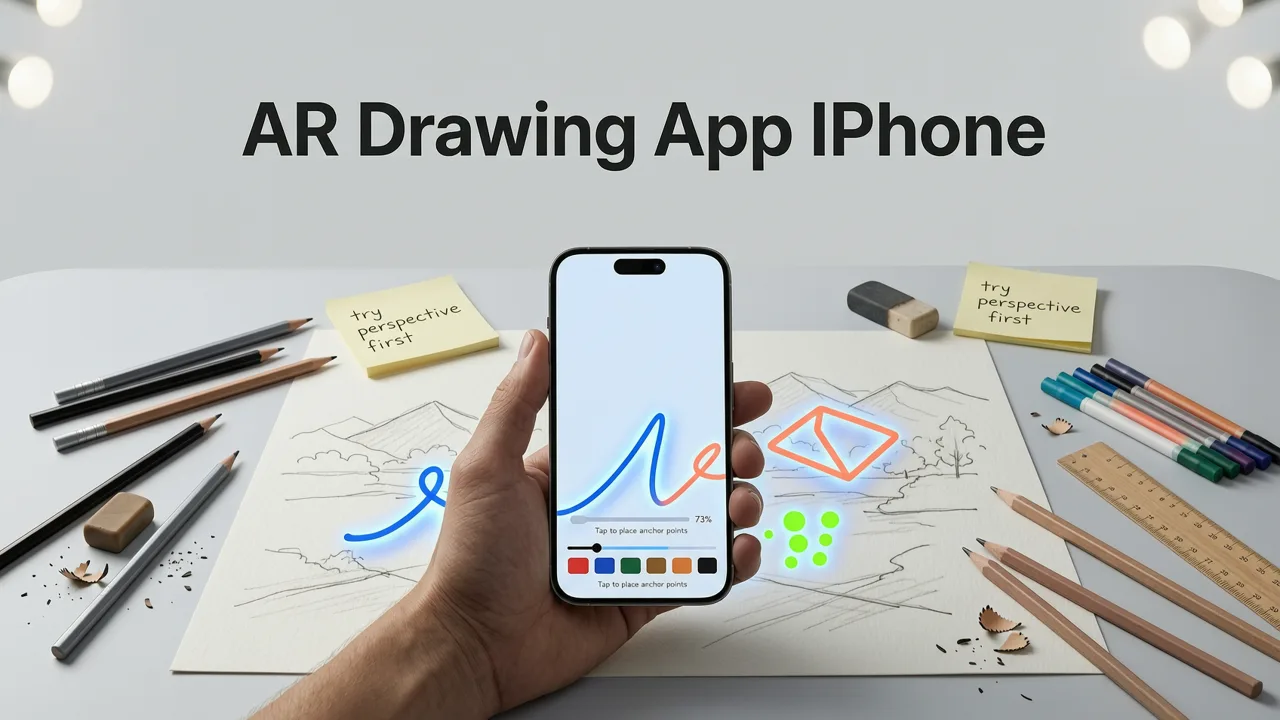
Setting up your digital canvas is incredibly intuitive. You do not need to be tech-savvy to get started. Here is the step-by-step process of how the technology translates a digital image into a physical masterpiece.
Step 1: Select or Upload Your Reference Image
Everything begins with a great reference photo. You can choose an image from your iPhone camera roll, select one from the app’s built-in library, or even snap a new photo of a subject right in front of you. The app automatically processes the image, extracting the core contour lines and converting it into a clean, traceable outline. You can adjust the line thickness and opacity to suit your vision.
Step 2: Set Up Your Physical Workspace
Place a blank sheet of paper on a flat, stable surface. A desk or a large table works perfectly. Ensure the area is well-lit so your iPhone camera can easily detect the edges of your paper. Prop your iPhone up using a stand or lean it against a stable object so the camera points directly down at your workspace. Keeping the phone steady is the key to a seamless tracing experience.
Step 3: Align the Digital Overlay
Look at your iPhone screen. You will see your physical paper through the camera, with the digital outline hovering over it. Use the on-screen controls to pinch, zoom, and rotate the overlay until it perfectly matches the size and position you want on your paper. Once you are happy with the placement, lock the overlay in position. The app uses advanced spatial tracking to keep the image anchored to your paper, even if your phone shifts slightly.
Step 4: Trace with Confidence
Now for the best part. Pick up your pencil and start tracing the lines you see on the screen directly onto your paper. Because the overlay is semi-transparent, you can see both your physical pencil marks and the digital guide simultaneously. Take your time, focus on smooth, deliberate strokes, and watch as a perfectly proportioned sketch begins to emerge.
AR Tracing vs. Traditional Drawing Methods
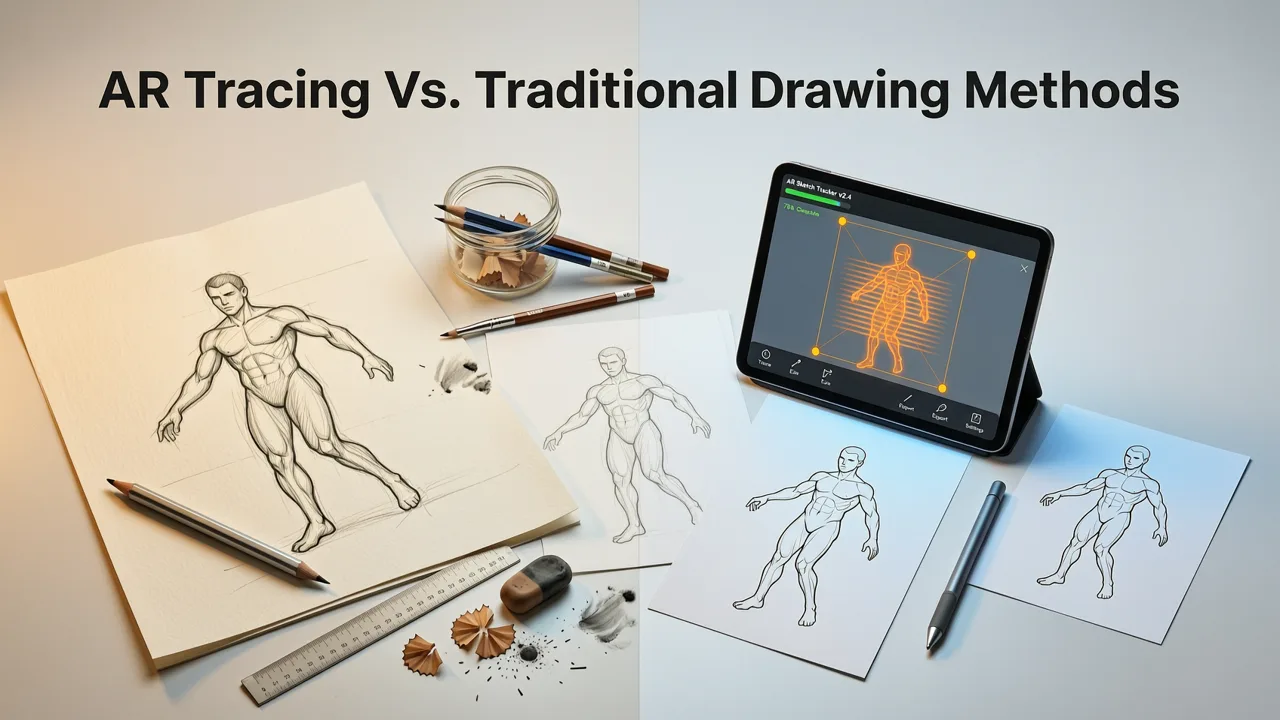
If you are wondering how augmented reality compares to older techniques, the differences in convenience and accessibility are massive. Below is a breakdown of how modern AR stacks up against traditional methods.
| Method | Setup Time | Portability | Cost | Best For |
|---|---|---|---|---|
| AR Drawing App | Under 1 minute | Highly portable | App cost only | Everyday practice, travel, and beginners |
| Digital Projector | 10 to 15 minutes | Low (requires power and dark room) | High ($100 - $300+) | Large-scale murals and canvas painting |
| Light Box | 2 to 3 minutes | Medium (requires flat surface and power) | Medium ($20 - $50) | Tracing existing physical sketches |
| Grid Method | 15 to 30 minutes | Highly portable | Free | Learning proportion without digital aids |
As the table illustrates, an AR drawing app for iphone offers the fastest setup and highest portability. You can practice your sketching skills at a coffee shop, in a park, or on your couch without dragging along heavy equipment.
What to Draw First: Beginner-Friendly AR Projects
When you first start using augmented reality tracing, it is tempting to jump straight into highly complex portraits or intricate architectural scenes. However, starting with approachable subjects helps you get a feel for the technology and builds your confidence.
Sketching Pets and Wildlife
Animals are incredibly popular subjects, but capturing their unique proportions and expressions can be daunting for beginners. If you want to start with something approachable, exploring easy cute animals to sketch is a fantastic way to build early confidence. The rounded shapes and simple contours of cute animals are perfect for learning how to control your pencil pressure over the AR overlay. Once you feel comfortable with basic shapes, you can graduate to more detailed projects, like learning how to draw a dog step by step with your phone. The AR guide will help you map out the exact placement of the eyes, snout, and ears, ensuring your pet portrait looks lifelike and balanced.
Creating Beautiful Botanical Art
Plants and flowers offer a relaxing, meditative drawing experience. Their natural symmetry and flowing lines are highly rewarding to trace. A comprehensive flower drawing for beginners approach teaches you about natural symmetry and light contour lines. For a slightly more advanced but deeply rewarding challenge, try to how to draw a rose step by step using your AR overlay. The digital guide is particularly useful for capturing those complex, overlapping petals and ensuring the center of the rose spirals perfectly.
Essential Tips for the Best AR Tracing Experience
To get the most accurate and enjoyable results, pay attention to your physical environment and the materials you use.
Mastering Your Lighting
Because the app relies on your iPhone camera to see your paper, adequate lighting is crucial. Avoid harsh, direct shadows that can confuse the camera's edge detection. Soft, even, ambient light is ideal. If you are drawing near a window, natural daylight provides the best contrast between your white paper and the desk surface.
Choosing the Right Materials
While the app handles the digital side, your physical tools still matter. Use a smooth, high-quality drawing paper that can handle erasing and shading. A standard HB or 2H pencil is perfect for the initial tracing phase because it leaves a light, clean line that is easy to shade over later. Avoid using heavy gel pens or dark markers for the base trace, as they can bleed through the paper and limit your shading options.
Keeping Your Device Steady
While the app features advanced spatial tracking, minimizing physical movement ensures the highest accuracy. Invest in a simple, adjustable overhead phone mount or a sturdy desk stand. This keeps your hands free for drawing and prevents accidental bumps that might shift the overlay alignment.
How AR Drawing Builds Long-Term Artistic Skills
A common misconception is that using a tracing tool prevents you from learning how to draw freehand. In reality, augmented reality is a powerful educational tool. When you trace an image using an AR overlay, you are actively training your hand-eye coordination. Your brain is learning how to translate a three-dimensional subject into two-dimensional lines.
Over time, this repetitive practice builds muscle memory. You begin to intuitively understand where the shadow lines fall, how curves connect, and how proportions relate to one another. Many artists use AR tracing as a foundational step. They trace the base outline to ensure perfect proportions, and then they remove the digital overlay to practice freehand shading, texturing, and adding their own creative flair. It is not about replacing your artistic ability; it is about accelerating your learning curve and removing the frustration of wonky proportions.
Conclusion: Start Your Sketching Journey Today
Finding the right ar drawing app for iphone is the first step toward unlocking your creative potential. By blending the convenience of your smartphone with the tactile joy of pencil and paper, augmented reality tracing makes professional-level sketching accessible to everyone. Whether you want to draw cute animals, beautiful botanicals, or complex portraits, the technology provides the guidance you need to succeed.
Ready to see what you can create? Download the AR Drawing app on the App Store today, grab your favorite pencil, and start turning your digital inspiration into beautiful physical art. Be sure to explore the AR Drawing guides and tutorials to discover your next masterpiece.