
Why the Best Drawing Ideas AR App Changes Everything for Beginners
Staring at a blank piece of paper can feel incredibly intimidating, especially when you are just beginning your art journey. You have the passion and the creativity, but translating the image in your mind onto the page often feels like a massive hurdle. If you are searching for the best drawing ideas AR app for your iPhone, you are already taking the right step toward overcoming that blank-page anxiety.
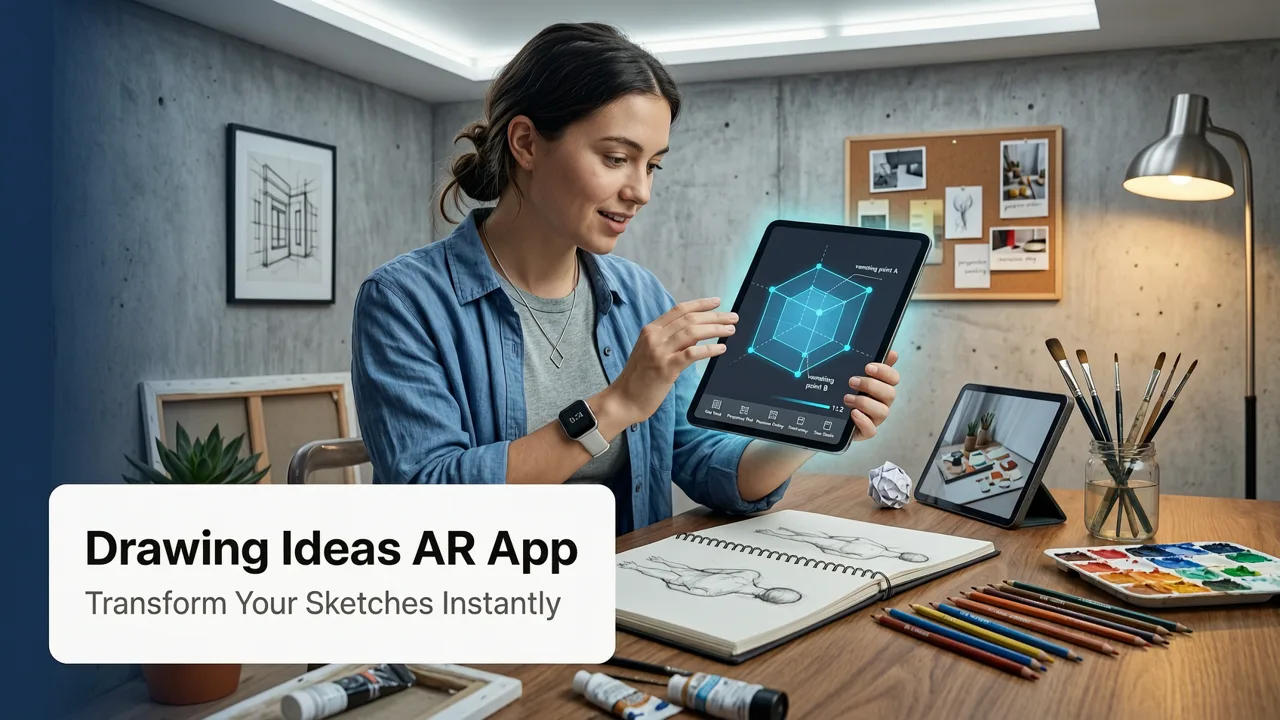
Augmented reality drawing applications have completely transformed how hobbyists and beginners approach sketching. Instead of relying on expensive lightboxes, bulky projectors, or complicated graphite transfer methods, you can now use your smartphone camera as a precise, adjustable tracing guide. By projecting a digital overlay directly onto your physical paper, these tools help you build muscle memory, understand proportions, and develop hand control without the pressure of getting it perfect on the first freehand try.
In this guide, we will explore how to find and use the ideal augmented reality sketching tool for your iOS device, ensuring you get the most out of your creative sessions in 2026.
Creative Ideas at Another Level ▶ 10! Amazing Art Skills Talented People! Procreate.
by Creatistic
How Augmented Reality Transforms Your Sketching Process
Before diving into specific features, it helps to understand exactly how the technology works. An AR drawing app uses your device’s camera to recognize the flat surface of your paper. Once the surface is detected, the app anchors a digital image to that space, allowing you to see the outline of your subject superimposed directly over the physical page.
Bridging the Gap Between Eye and Hand
One of the biggest challenges for new artists is hand-eye coordination. Your brain might know what a perfect circle or a proportional eye looks like, but your hand needs time to learn the physical movements required to create it. Tracing with an AR overlay acts as a bridge. It allows you to practice the physical motion of drawing while simultaneously studying the shapes, curves, and negative spaces of your subject.
Building Confidence Through Accuracy
When your proportions are accurate from the start, it is much easier to stay motivated. Seeing a recognizable, well-proportioned sketch emerge on your paper gives you a confidence boost that encourages you to keep practicing. Over time, as you use the app repeatedly, you will naturally internalize these proportions, making the transition to freehand drawing much smoother.
Top Features to Look for in a Drawing Ideas AR App
Not all sketching tools are created equal. When browsing the App Store for the best app for drawing ideas and AR tracing in 2026, there are a few critical features you should prioritize to ensure a smooth and frustration-free experience.
- Adjustable Opacity: The ability to fade the digital overlay in and out is crucial. You need to see the guide clearly when placing your initial lines, but you also need to fade it out to check your own shading and line weight.
- Flexible Image Sourcing: A great app should allow you to upload your own photos from your camera roll, browse a built-in library of beginner-friendly sketches, or even import images from the web.
- Surface Detection and Alignment: The app must reliably lock onto your paper. If the overlay drifts while you are drawing, it ruins the tracing process. Look for apps with robust ARKit integration for iOS.
- Grid and Proportion Tools: Some advanced apps offer a digital grid overlay, which is incredibly helpful for breaking down complex subjects like faces or architectural details into manageable sections.
Step-by-Step: From Inspiration to Paper
Using an augmented reality tracing tool is straightforward, but setting up your workspace correctly makes a world of difference. Follow these steps to get the best results during your next sketching session.
1. Prepare Your Workspace
Find a well-lit area with a flat, stable surface. Good lighting is essential because the phone camera needs to clearly see the texture and edges of your paper to maintain the AR anchor. Avoid overly glossy paper, as glare from overhead lights can confuse the camera's surface detection.
2. Select Your Subject
Open your chosen iOS app and pick an image. If you are just starting out, look for easy things to sketch with your phone that feature bold lines and simple shapes. Minimalist botanicals, basic geometric animals, or simple food items are fantastic starting points.
3. Position Your Phone
Mount your phone on a small desk tripod or lean it against a stable object like a mug or a book. The phone needs to remain completely stationary while you draw. If the phone moves, the AR overlay will shift, and your tracing will become misaligned.
4. Align and Trace
Look through your screen and use the app's alignment tools to scale and position the image over your paper. Once it is perfectly placed, lock the AR anchor. Dim the opacity slightly so you can see your pencil tip moving against the paper. Trace the main outlines first, then gradually add details.
Traditional Tracing Methods vs. AR Tracing
If you are wondering how this modern approach compares to older techniques, here is a quick breakdown of why AR has become the preferred method for hobbyists.
| Feature | Traditional Lightbox / Projector | iOS AR Drawing App |
|---|---|---|
| Equipment Needed | Lightbox, projector, or glass table with a lamp | Just your smartphone and a piece of paper |
| Portability | Bulky and requires a power outlet | Highly portable; sketch anywhere |
| Image Adjustment | Requires physically moving the image or projector | Pinch to zoom, drag to move, and rotate digitally |
| Cost | Can be expensive for quality equipment | Low cost; utilizes hardware you already own |
| Learning Curve | Requires setup and calibration | Intuitive, app-guided surface detection |
Finding the Right Subjects for Your AR Sessions
The beauty of using a digital overlay is that you can tackle almost any subject matter. However, easing into your practice with the right subjects will keep your motivation high.
Start with Botanicals and Nature
Leaves, petals, and simple flowers are excellent for beginners. They teach you about organic curves and overlapping shapes without the strict pressure of perfect symmetry. If you want more structured inspiration, check out this 10 simple drawing ideas to copy easily in 2026 to build your foundational skills.
Move on to Animals and Characters
Once you feel comfortable with flora, animals are a fun next step. Cartoonish or stylized animals are much more forgiving than realistic portraits. They allow you to practice expressive eyes and dynamic poses while relying on the AR guide to keep the anatomy proportional.
Tackle Patterns and Mandalas
If you want to focus purely on hand control and relaxation, intricate patterns and mandalas are incredibly rewarding. The repetitive nature of tracing these designs helps you refine your line weight and shading techniques in a low-stress environment.
Tips for Transitioning from Tracing to Freehand
While tracing is a phenomenal learning tool, the ultimate goal for most artists is to draw freely. Here is how you can use your AR app to eventually wean yourself off the overlay.
- The Fading Method: Start your session by tracing the main structural lines with the overlay at 80% opacity. Halfway through, drop the opacity to 30% and try to complete the details freehand, using the faint guide only for reference.
- The Blind Trace: Trace the image completely with the overlay at full opacity. Then, put the phone away and try to redraw the exact same image from memory on a fresh sheet of paper. Compare the two to see where your proportions need work.
- Grid Practice: Use the app's grid feature to study how shapes fit into specific squares. Remove the grid and try to replicate those spatial relationships on a blank page.
Conclusion
Finding the right tools can completely change your relationship with art. A high-quality drawing ideas AR app removes the friction from the creative process, allowing you to focus on the joy of making marks on paper. By leveraging augmented reality, you can build your skills, improve your accuracy, and gain the confidence needed to eventually draw from your own imagination.
Ready to turn your iPhone into the ultimate sketching companion? Download an AR drawing app today, grab your favorite pencil, and start bringing your creative ideas to life on paper. Explore our site for more curated lists, step-by-step guides, and tips to keep your artistic journey moving forward in 2026 and beyond.


