
Why Finding the Best App for Drawing Ideas Matters in 2026
Staring at a blank piece of paper can feel incredibly intimidating, especially when you are just beginning your art journey. You have the passion, but finding the right inspiration and knowing how to translate it onto the page is a common hurdle. If you are searching for the best app for drawing ideas, you are likely looking for more than just a digital gallery of pretty pictures. You need a practical solution that bridges the gap between imagination and execution.
The truth is, the best app for drawing ideas in 2026 is one that not only sparks creativity but also uses augmented reality to help you trace and sketch directly onto physical paper. By turning your smartphone into a smart tracing tool, you can bypass the frustration of proportion errors and focus on building hand control and confidence. This approach removes the need for expensive lightboxes, bulky projectors, or complex digital tablets, making art accessible to anyone with a phone and a pencil.
How Augmented Reality Transforms Your Sketching Process
Traditional drawing often requires a deep understanding of perspective, proportion, and anatomy before you can even start. While learning these fundamentals is valuable, it can be discouraging for beginners who just want to create something beautiful today. Augmented reality (AR) changes the game by overlaying a digital image directly onto your physical workspace through your phone camera.
Which Drawing App Is Best? (For iPad, Windows, and Android Tablets)
by Vincit Design Co.
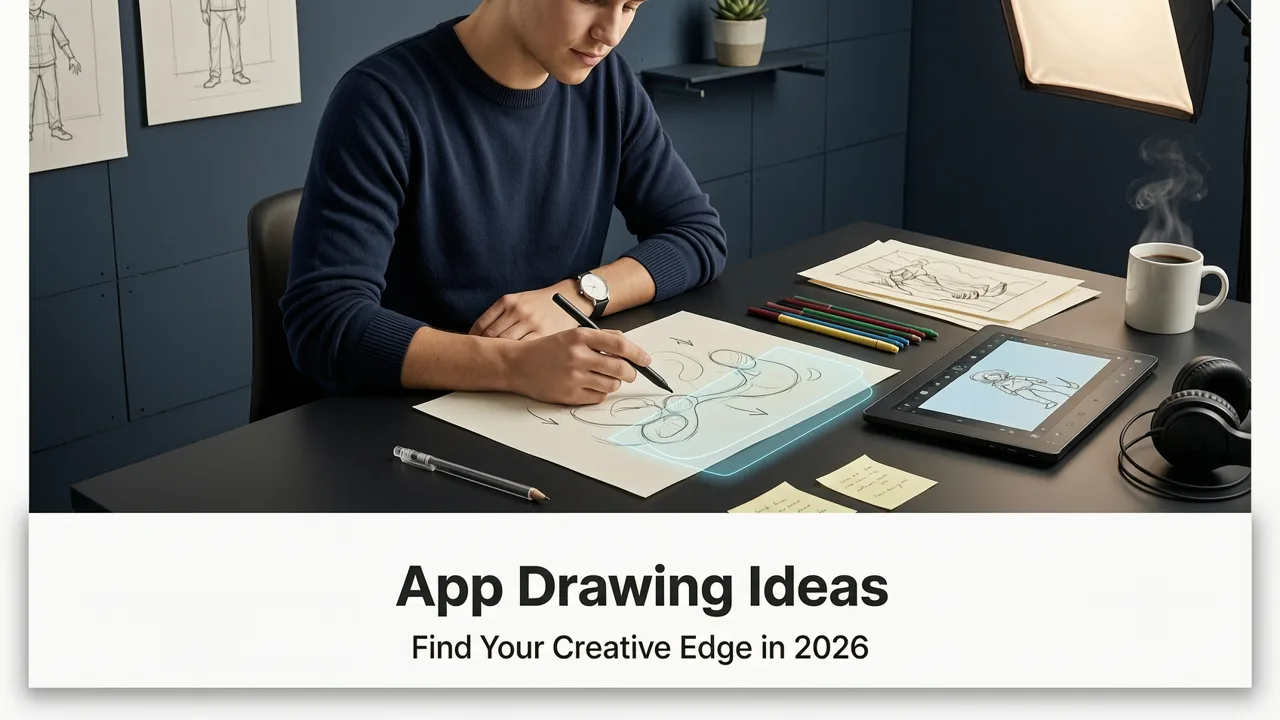
When you use an AR drawing app, your screen becomes a transparent guide. You place your phone on a stand or hold it steadily above your paper. The app projects your chosen reference image onto the screen, aligning it with the paper below. As you look through the camera view, you can see both the digital outline and your physical pencil. This allows you to trace the major shapes, refine the proportions, and build your sketch layer by layer. It is a seamless blend of digital convenience and traditional tactile satisfaction.
Top Features to Look for in the Best App for Drawing Ideas
Not all drawing applications are created equal. Many focus solely on digital painting or offer endless scrolls of inspiration without any execution tools. To truly elevate your practice, you need an app designed for physical tracing. Here is a comparison of what to expect when choosing your tools.
| Feature | Standard Idea Gallery Apps | AR Tracing Apps |
|---|---|---|
| Primary Function | Browsing reference images and tutorials | Overlaying images onto physical paper via camera |
| Execution Method | Manual freehand drawing or copying | Guided tracing with real-time visual alignment |
| Equipment Needed | Phone, paper, pencils | Phone, paper, pencils, and a stable phone mount |
| Proportion Accuracy | Relies entirely on the artist's eye | Highly accurate, scaled directly to your paper |
| Learning Curve | High for realistic results | Low; instant gratification and steady skill building |
As the table illustrates, an AR tracing application provides a direct pathway from inspiration to finished artwork. Look for features like opacity adjustment, image locking, and grid overlays to ensure the smoothest possible experience.
Step-by-Step: From Inspiration to Paper
Transitioning from a digital idea to a physical sketch is simple when you have the right workflow. Follow these steps to get the most out of your augmented reality setup.
Step 1: Gather Your Drawing Ideas
Start by collecting images that inspire you. This could be a photo you took on a walk, a picture of your pet, or a beautiful botanical reference. Having a clear idea of what you want to draw before you set up your workspace saves time and keeps you focused.
Step 2: Set Up Your AR Overlay
Open your AR drawing app and select your chosen image. Adjust the size and position of the overlay so it fits perfectly within the boundaries of your paper. Lock the image in place to prevent accidental shifts. Make sure your workspace is well-lit so the camera can clearly capture the paper and your pencil movements.
Step 3: Trace and Refine
Begin with light, confident strokes. Trace the main outer shapes first, then move inward to capture the smaller details. Do not worry about making it perfect on the first pass; the beauty of tracing is that you can always adjust your lines. Once the basic structure is down, you can lower the opacity of the screen overlay or turn it off entirely to add your own shading and stylistic flair.
5 Creative Ways to Use Your Phone for Daily Sketch Practice
Consistency is the secret to improving your art skills. Using your phone as a tracing guide makes daily practice feel less like a chore and more like a rewarding game. Here are a few ways to keep your routine fresh and engaging.
1. Tackle Cute and Whimsical Subjects
If you need a quick burst of inspiration to start your morning sketch, checking out 20 Cute Drawing Ideas for Beginners to Try in 2026 is a great way to warm up your hand. These subjects are perfect for practicing smooth curves and expressive lines.
2. Master the Basics with Simple Shapes
For those just picking up a pencil, breaking down complex subjects into manageable pieces is crucial. Our guide on 10 Simple Drawing Ideas to Copy Easily breaks down the basics, allowing you to build confidence without feeling overwhelmed.
3. Build Speed and Fluidity
Sometimes you want to focus on hand control rather than perfect details. You can explore 15 Easy Drawing Ideas to Trace Today to build your confidence with minimal fuss. These quick sketches help you develop a steady hand and an eye for proportion.
4. Capture Pet Portraits
Animals are notoriously difficult to draw freehand due to their complex fur patterns and unique proportions. Want to try a specific subject? Learning how to Trace Cat Drawing on Paper with Your Phone is a fantastic weekend project that yields incredibly rewarding results.
5. Create Custom Greeting Cards
Use your AR app to trace intricate floral patterns or elegant typography onto thick cardstock. This is a wonderful way to create personalized, handcrafted gifts for friends and family while practicing your line weight and composition.
Common Beginner Mistakes (and How to Avoid Them)
Even with the best tools, a few common pitfalls can slow down your progress. Being aware of these will help you maintain a smooth and enjoyable drawing experience.
- Pressing Too Hard: When tracing, it is tempting to press down heavily on the pencil to get dark, definitive lines. This makes it difficult to erase mistakes and can tear the paper. Use a light touch for your initial outline, and build up your darkness in later passes.
- Poor Lighting: Augmented reality relies on your phone camera seeing the paper clearly. If your workspace is dimly lit or casting harsh shadows, the app may struggle to maintain the overlay alignment. Ensure you have even, bright lighting across your drawing surface.
- Shifting the Phone: The most critical rule of AR tracing is keeping your device completely still. If your phone moves while you are tracing, your proportions will be ruined. Invest in a simple, adjustable phone mount or overhead arm to keep your device locked in position.
- Relying Solely on Tracing: While tracing is an incredible tool for learning proportion and building confidence, it should be part of a broader practice routine. Once you have traced a subject, try drawing it again from memory or observation to test your growing skills.
Elevate Your Art Journey Today
Finding the right tools can completely transform your relationship with art. You no longer have to let a lack of technical skill stop you from bringing your favorite ideas to life. By combining a steady stream of inspiration with the precision of augmented reality, you can accelerate your learning curve and enjoy the process of creating.
Whether you are sketching in the margins of a notebook or filling a full canvas with detailed portraits, the right approach makes all the difference. Download an AR tracing app, set up your workspace, and watch your drawing ideas leap from the screen to the paper with stunning accuracy.


