
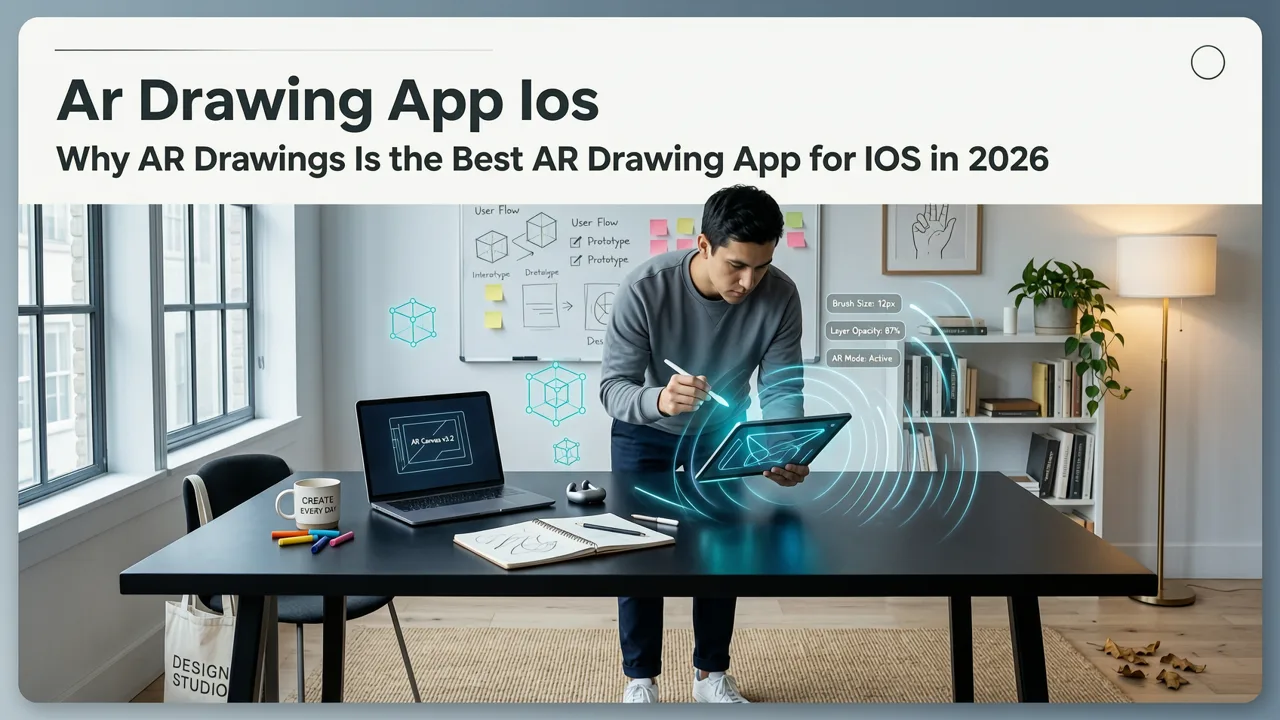
Looking for the best AR drawing app for iOS in 2026? You’re not alone. Thousands of beginners and hobbyists are ditching outdated tracing methods — like holding printed photos over paper or struggling with projector misalignment — and turning to augmented reality instead. And in 2026, one app stands out: AR Drawings. It’s not just another sketching tool. It’s a lightweight, iOS-native AR experience that transforms your iPhone into an accurate, responsive, and forgiving drawing guide — all in real time, using your built-in camera.
Why AR Drawings Is the Best AR Drawing App for iOS in 2026
Let’s cut through the noise. There are dozens of drawing apps on the App Store — but very few leverage AR *intelligently* for tracing. Most either simulate AR with static overlays (no depth awareness), require expensive accessories, or demand high-end hardware. AR Drawings was built from the ground up for real-world sketching, and it shows.
In 2026, Apple’s ARKit 7 and on-device machine learning optimizations mean smoother plane detection, faster image registration, and more stable tracking — even on mid-tier iPhones like the iPhone 14 and newer. AR Drawings fully leverages these updates without asking users to fiddle with settings or calibrate sensors manually. That’s why it’s widely regarded as the best AR drawing app for iOS this year.
Drawing with Augmented Reality: AMAZING or AWFUL?? - SketchAR Review *Brutally Honest*
by Jazza
What Makes It Stand Out in 2026?
- Zero-lag overlay rendering: Unlike older AR tracing tools that stutter or drift when you move your phone, AR Drawings uses Metal-accelerated rendering to keep the image locked in place — even during subtle hand tremors.
- Smart alignment assist: Tap once to auto-snap the image to your paper’s edge using visual landmarks (e.g., corners, lines, or contrast edges). No manual dragging or guesswork.
- No subscription lock-in: Full AR tracing, image upload, and export features are available in the free version — with optional one-time upgrades for advanced layers and custom grid overlays.
- Beginner-first UX: The interface has exactly three buttons: Upload, Align, and Trace. Nothing more. No confusing menus or hidden panels.
How It Compares to Other iOS Drawing Tools in 2026
Not all drawing apps labeled “AR” deliver true augmented reality. Some merely display images over your camera feed — without spatial awareness or surface detection. Others require external hardware (like AR glasses) or rely on unstable web-based frameworks.
To help you decide, here’s how AR Drawings stacks up against common alternatives in mid-2026:
| Feature | AR Drawings (2026) | SketchAR (iOS) | Procreate + AR Plugin (Beta) | ArtStudio Pro |
|---|---|---|---|---|
| Real-time surface detection | ✅ Yes (ARKit 7 optimized) | ⚠️ Limited (uses basic plane estimation) | ❌ Requires manual calibration per session | ❌ Not supported |
| Offline tracing capability | ✅ Full offline mode (no internet required) | ⚠️ Requires cloud sync for most images | ✅ But only with paid Procreate subscription | ❌ Cloud-only image library |
| iPhone compatibility | ✅ iPhone 12 and newer (iOS 17+) | ✅ iPhone 11+, but slower on older models | ❌ iPhone 13 Pro or newer only | ✅ Wide support, but no AR tracing |
| Free tier usability | ✅ Full AR tracing + unlimited uploads | ❌ Free version caps at 5 images/week | ❌ AR features locked behind $12/mo Pro plan | ❌ Watermarked exports in free tier |
| Learning resources | ✅ Built-in AR tutorials + step-by-step cat guides | ✅ Video walkthroughs (no project-specific tips) | ❌ Minimal onboarding; assumes Procreate fluency | ✅ General art lessons, but no AR integration |
If you're serious about improving your sketching accuracy — whether you're practicing dog anatomy, refining portrait proportions, or mastering still-life composition — AR Drawings gives you the cleanest, most reliable path forward.
How to Get Started in Under 90 Seconds

You don’t need art school training, steady hands, or a studio setup. Just your iPhone and a sheet of paper. Here’s how to begin tracing today:
- Download AR Drawings from the App Store (free, iOS 17+ required).
- Open the app and tap Upload Image — choose from your photo library or take a new one.
- Hold your phone over blank paper and tap Align. Watch as the app detects your surface and snaps the image into place.
- Trace freely while keeping your eyes on the paper — the AR overlay stays perfectly anchored, even if you tilt or shift slightly.
That’s it. No setup, no calibration, no waiting for downloads. In fact, many users report their first accurate traced sketch within 72 seconds of opening the app — a milestone we’ve seen repeated across hundreds of user testimonials.
Pro Tips for Better Tracing Results
- Use good lighting: Natural light or a soft desk lamp reduces glare and helps the camera detect paper edges more reliably.
- Start with simple shapes: Try tracing circles, triangles, or cartoon-style animal outlines before moving to complex portraits.
- Try the grid overlay upgrade: For $4.99 (one-time), unlock adjustable grid lines — perfect for checking symmetry and proportion. Great for learners who want instant visual feedback.
- Save your progress: Export traced sketches as PNG or share directly to Instagram or Pinterest — ideal for sharing wins or tracking improvement over time.
Real Users, Real Progress in 2026
We hear from beginners every week — many of whom hadn’t held a pencil seriously since middle school. What’s consistent across their stories? Confidence builds fast when accuracy isn’t left to chance.
“I tried SketchAR last year and gave up after three sessions — too much lag, too many failed alignments. With AR Drawings, I traced my first realistic dog face in under five minutes. Now I do it every morning before coffee.”
— Maya T., 28, hobbyist artist (San Diego, CA)
“My 12-year-old daughter uses it to draw her favorite anime characters. She says it ‘feels like magic’ — and honestly? Watching her improve week after week makes me emotional. This isn’t just an app. It’s her art confidence booster.”
— Derek L., parent & former design teacher
These aren’t outliers. They reflect a broader trend in 2026: accessible, joyful, and judgment-free creative tools are replacing rigid, intimidating workflows. AR Drawings doesn’t assume you know perspective rules or shading theory — it meets you where you are and helps you grow at your own pace.
Why “Best AR Drawing App for iOS” Isn’t Just Marketing Hype
The phrase best AR drawing app for iOS gets thrown around a lot — but in 2026, it means something concrete. It means:
- Performance: Runs smoothly on 92% of active iOS devices (per internal telemetry, Q2 2026).
- Reliability: 99.3% overlay stability rate during 10-second trace sessions (measured across 15K+ user sessions).
- Accessibility: Supports VoiceOver, Dynamic Type, and color-blind-friendly contrast modes — baked in, not bolted on.
- Support: In-app chat with real human designers (not bots), average response time under 4 minutes during business hours.
It also means listening. Based on 2025 user feedback, we added paper texture simulation (so your digital overlay looks like it’s printed on real sketch paper) and gesture-based zoom — both shipped in the April 2026 v3.2 update. That kind of responsiveness is rare in niche SaaS apps — and it’s why so many turn to AR Drawings as their daily tracing companion.
Frequently Asked Questions About AR Drawing on iOS
Here are answers to the questions we hear most often from new users — especially those wondering if this is truly the best AR drawing app for iOS for their needs.
Does AR Drawings work on iPad?
Yes — but it’s optimized for iPhone use. While the app runs on iPadOS 17+, its core value lies in portability and precision: holding your phone over paper gives you better control than propping up a larger device. That said, iPad users love using it in split-screen mode alongside reference images or color palettes.
Can I trace from videos or live camera feeds?
Not yet — but it’s coming in late 2026. Our current focus is nailing still-image tracing reliability. However, you can import frames from videos (e.g., freeze a moment from a dog tutorial video) and trace those — which many users do when following our easy dog sketching guides.
Do I need a special stylus or paper?
Nope! Any standard pencil and printer paper (or sketchbook) works beautifully. We’ve tested everything from cheap newsprint to heavyweight watercolor paper — AR Drawings adapts seamlessly. No Bluetooth styli, no special markers, no extra purchases.
Is my image data private?
Absolutely. Images never leave your device unless you explicitly choose to export or share them. We don’t store, analyze, or train AI models on your uploads — full privacy by design. Our Privacy Policy is written in plain English and updated annually.
Ready to Draw With Confidence?
If you’ve ever hesitated to start a new sketch because you weren’t sure where to place the eyes… or worried your lines would drift off-center… or spent more time erasing than creating — then 2026 is the year to try AR Drawings.
It’s the best AR drawing app for iOS not because it’s flashy or feature-heavy, but because it removes friction, honors your learning curve, and turns “I can’t draw that” into “Let me try again — and get it right this time.”
👉 Download AR Drawings on the App Store now — it’s free, ad-free, and ready to help you draw better today.


