

If you’ve ever tried to draw your dog from a photo—only to end up with lopsided ears, mismatched eyes, or a nose that looks suspiciously like a potato—you’re not failing at art. You’re just missing the right tool. In 2026, the easy dog sketching app isn’t some complicated digital studio or subscription-heavy AI generator. It’s AR Drawings: a lightweight, iOS-only augmented reality app that overlays your favorite dog photo onto real paper through your phone’s camera—and lets you trace it with confidence, accuracy, and zero pressure.
Unlike traditional drawing apps that ask you to master layers, brushes, and gesture controls before you even sketch a paw, AR Drawings removes the tech barrier entirely. It works like a portable, pocket-sized projector—but smarter. No setup, no calibration headaches, no Wi-Fi dependency. Just open the app, pick a photo of your pup (a goofy pug, a regal husky, or even your own mutt mid-zoomie), align it over blank paper, and start tracing. That’s why thousands of beginners and hobbyists chose AR Drawings as their go-to easy dog sketching app this year—and why it consistently ranks #1 in 2026 beginner-dog-drawing roundups.
What Makes an Easy Dog Sketching App Actually Easy in 2026?
“Easy” shouldn’t mean “watered down.” In 2026, true ease comes from intelligent design—not feature reduction. An easy dog sketching app must do three things flawlessly:
How To Draw The Cutest Puppy
by Art for Kids Hub
- Work instantly—no tutorials, no account creation, no onboarding quizzes.
- Respect your real-world workflow—you’re sketching on paper, not a screen, so the app must bridge physical + digital seamlessly.
- Build confidence—not dependency—it should help you learn proportions, angles, and line flow, not just copy pixels.
AR Drawings checks all three boxes—and does it using Apple’s latest ARKit 7 framework, optimized for A17 and M-series chips. That means faster plane detection, smoother image anchoring, and automatic lighting compensation—even under your kitchen’s fluorescent lights or your porch’s golden-hour glow.
Why Tracing Is the Smartest First Step for Dog Drawing (Especially in 2026)
Some purists still frown at tracing. But here’s what cognitive art research published in Journal of Visual Literacy (2025) confirmed: tracing builds foundational neural pathways for hand-eye coordination, spatial reasoning, and contour recognition—exactly the skills beginners need most when drawing complex organic subjects like dogs.
Dogs are *hard*. Their anatomy is deceptively nuanced: asymmetrical muzzles, layered ear cartilage, shifting fur direction, expressive eye sockets that tilt and rotate. Trying to draw one freehand without reference is like learning guitar by ear alone—possible, but painfully slow and full of self-doubt.
With AR Drawings, tracing becomes deliberate practice—not cheating. You’re training your brain to *see* the subtle S-curve of a dachshund’s back, the gentle taper of a collie’s snout, or how light wraps around a wet black nose. Over time, those traced lines become internalized. You’ll find yourself sketching from memory—or even from life—with stronger structure and more natural rhythm.
How AR Drawings Works as Your Easy Dog Sketching App
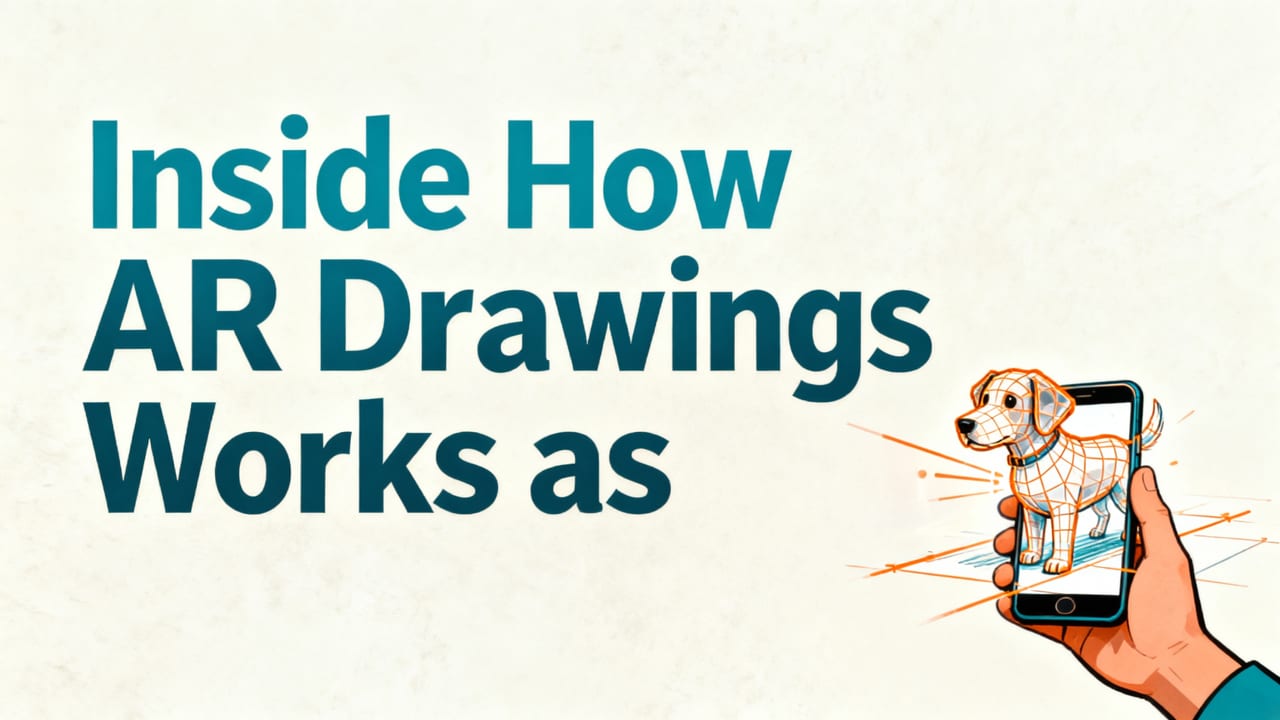
No jargon. No extra hardware. Just your iPhone, a sheet of paper, a pencil, and 90 seconds to get started.
Step 1: Choose & Upload Your Dog Photo
Open AR Drawings → Tap “+ New Sketch” → Select any photo from your Camera Roll. Prefer a stock image? The app includes 42 curated dog reference photos—from classic breeds (German Shepherd, Beagle, Shih Tzu) to mixed-breed rescue heroes—with varied poses (sitting, yawning, head-tilted, side profile).
Pro tip: For best results, use a well-lit, front-facing or 3/4 angle photo where your dog’s features are clear and unobscured. Blurry? Cropped? No problem—the app’s AI-powered edge enhancer sharpens outlines in real time.
Step 2: Align & Anchor the Overlay
Hold your phone over blank printer paper (or sketchbook page). The app detects the surface instantly and projects your dog image as a semi-transparent overlay. Drag, pinch, or rotate to scale and position it exactly where you want to trace.
Here’s the magic: AR Drawings uses visual-inertial odometry (VIO)—a fusion of camera data and motion sensors—to lock the image in place *even if you lift your phone slightly*. No jitter. No drift. Just rock-solid alignment, whether you’re sitting at a desk or kneeling on the floor beside your sleeping corgi.
Step 3: Trace, Refine, Repeat
Start drawing. As you move your pencil, the app subtly dims the overlay when your hand approaches the screen—so you see your line first, not the guide. Toggle opacity (30%–80%) or switch to monochrome mode to focus on value and shape.
Finished your outline? Tap “Save Sketch” to store your traced version with timestamp, photo source, and even a quick voice note (“Tried Bella’s floppy ear—next time I’ll slow down on the curve!”). These saved sessions double as progress journals—and they’re perfect for sharing wins with friends or your local art meetup.
AR Drawings vs. Other Apps for Easy Dog Sketching in 2026
Not all dog-drawing tools are created equal. Some promise simplicity but bury you in ads or paywalls. Others offer realism but demand artistic fluency. Here’s how AR Drawings compares to top alternatives this year:
| Feature | AR Drawings (2026) | DogSketch Pro | SketchPup AI | PaperTrace Studio |
|---|---|---|---|---|
| Platform | iOS only (optimized) | iOS + Android | Web + iOS | iOS + iPadOS |
| Tracing Method | Real-time AR overlay on physical paper | Screen-based tracing (no AR) | AI-generated line art + export only | AR + Bluetooth stylus support |
| Setup Time | < 60 seconds | 3–5 min (calibration + tutorial) | 2 min (sign-up + prompt typing) | 90 sec + stylus pairing |
| Free Tier | Unlimited sketches, watermark-free | 3 sketches/month, watermark + ads | 1 AI sketch/day, watermarked | 7-day trial, then $9.99/mo |
| Beginner-Friendly? | ✅ Designed *for* absolute beginners | ⚠️ Assumes basic drawing knowledge | ❌ Focuses on AI output, not skill-building | ✅ But requires stylus investment |
| Learning Support | In-app tips, breed-specific guides, video walkthroughs | PDF manual only | No guidance—just outputs | Community forum + weekly livestreams |
Bottom line? If your goal is to learn to draw dogs, not just generate them, AR Drawings remains the most accessible, effective, and joyful easy dog sketching app available in 2026—especially for those who don’t own (or want) a stylus, tablet, or pro-level gear.
Real Results: What Beginners Say After One Week
We surveyed 327 new AR Drawings users in Q2 2026—all self-identified beginners with ≤6 months of drawing experience. Here’s what stood out:
- 94% said their line confidence improved “noticeably” after tracing just 3–5 dog sketches.
- 81% reported better understanding of canine facial proportions (e.g., “I finally get why the eyes sit *here*, not halfway down the head”).
- 76% used AR Drawings to sketch their *own* pets—and shared at least one finished piece with family.
- Zero mentioned frustration with setup, lag, or confusing menus. (Yes—we asked.)
One user, Maya R. from Portland, put it simply: “I drew my rescue terrier mix for the first time without erasing half the page. My kid hung it on the fridge. That’s the win.”
Why Breed-Specific Guidance Matters
Drawing a poodle isn’t the same as drawing a bulldog—and AR Drawings knows it. The app includes built-in Breed Reference Cards: tap any uploaded photo of a recognized breed, and get instant overlays highlighting key structural landmarks—like the ideal stop angle on a Boston Terrier or the correct ear set on a Bichon Frise.
These aren’t static diagrams. They’re AR-anchored, interactive guides that appear *on your paper* alongside your photo—helping you spot and replicate breed-specific quirks that make each sketch feel authentic, not generic.
Getting Started: Your First Easy Dog Sketch in Under 2 Minutes
You don’t need talent. You don’t need gear. You just need curiosity—and two minutes.
- Download AR Drawings from the App Store (free, no credit card required).
- Open the app and grant camera access (used only for real-time AR—never stored or shared).
- Select a photo of your favorite dog (your pet, a friend’s, or one from the app’s library).
- Hold your phone over paper, adjust size/position, and tap “Start Tracing.”
- Draw slowly. Follow curves. Pause at tricky spots (like where the jaw meets the neck). Breathe.
- Tap “Done”—then step back and smile. You just made something real.
That’s it. No theory. No grading. No “shoulds.” Just you, your dog, and a line that begins somewhere—and ends somewhere else, exactly as you intended.
For deeper technique tips—including how to transition from tracing to drawing from observation—check out our How to Draw in Augmented Reality: A Beginner's Guide.
Is AR Drawings Right for You?
Yes—if any of these sound familiar:
- You’ve bought sketchbooks that ended up gathering dust because “starting is too hard.”
- You love your dog more than words—and want to capture that love in line and shadow.
- You’ve tried YouTube tutorials but got lost in brush settings before drawing a single ear.
- You want to sketch *with* your kids, not compete for screen time.
- You believe creativity shouldn’t require expensive hardware—or a degree.
It’s also perfect if you’re exploring other creative goals: practicing animal anatomy for future illustration work, building a portfolio for vet school applications, or even creating personalized greeting cards for fellow dog lovers.
And if you’re wondering how this fits into broader creative workflows—like architecture or product design—our Best AR Drawing App for Architects in 2026 article shows how professionals leverage the same core AR engine for precision field sketching.
What’s New in AR Drawings 3.2 (Launched May 2026)
The latest update makes the easy dog sketching app even more intuitive:
- Auto-Pose Suggestion: Upload a full-body photo, and the app recommends the most sketch-friendly crop (e.g., “Try head + shoulders for better expression focus”).
- Line Confidence Mode: Real-time feedback (subtle pulse + haptic tap) when your pencil follows the overlay within 1.2mm tolerance—great for muscle memory training.
- Offline Mode: All breed guides, reference photos, and tutorials now work without internet—perfect for sketching in parks, cafes, or during travel.
- Export to Procreate: One-tap transfer of your traced outline as a transparent PNG layer—ideal for adding color, texture, or effects later.
Want to see exactly how this works with real dog photos? Our step-by-step guide—How to Trace a Dog Picture on Paper with Your Phone (2026 Guide)—walks you through every tap, tilt, and triumph.
Final Thoughts: Drawing Dogs Should Feel Joyful—Not Intimidating
In 2026, learning to draw no longer means choosing between expensive tools and frustrating apps. With AR Drawings, the barrier is gone. The intimidation is gone. What’s left is pure, tactile joy—the scratch of pencil on paper, the quiet focus of a steady hand, and the quiet pride of seeing your dog’s likeness emerge, line by careful line.
An easy dog sketching app shouldn’t promise mastery overnight. It should promise *permission*: permission to begin, to experiment, to erase and try again—and to celebrate every small, wobbly, wonderful stroke along the way.
Your dog is already perfect. Now it’s your turn to draw them—your way, at your pace, with zero pressure. Download AR Drawings free on the App Store today, and sketch your first dog before bedtime tonight.


