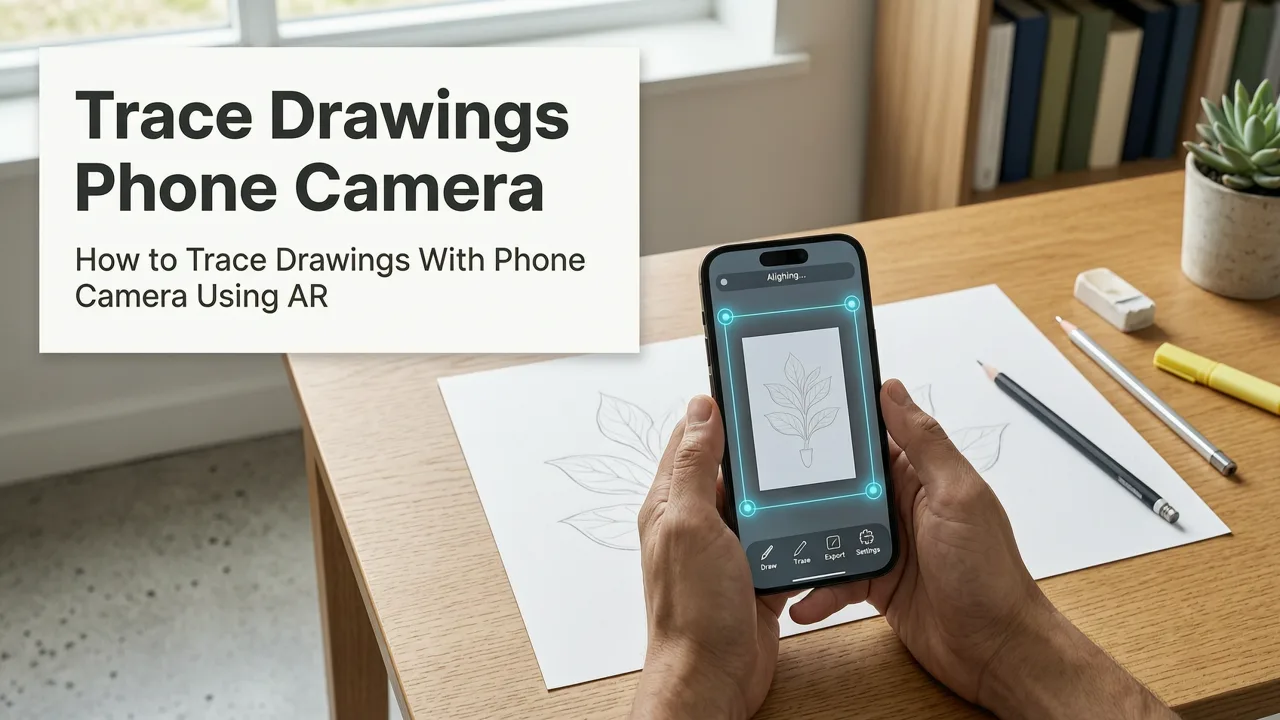
How to Trace Drawings With Phone Camera Using AR
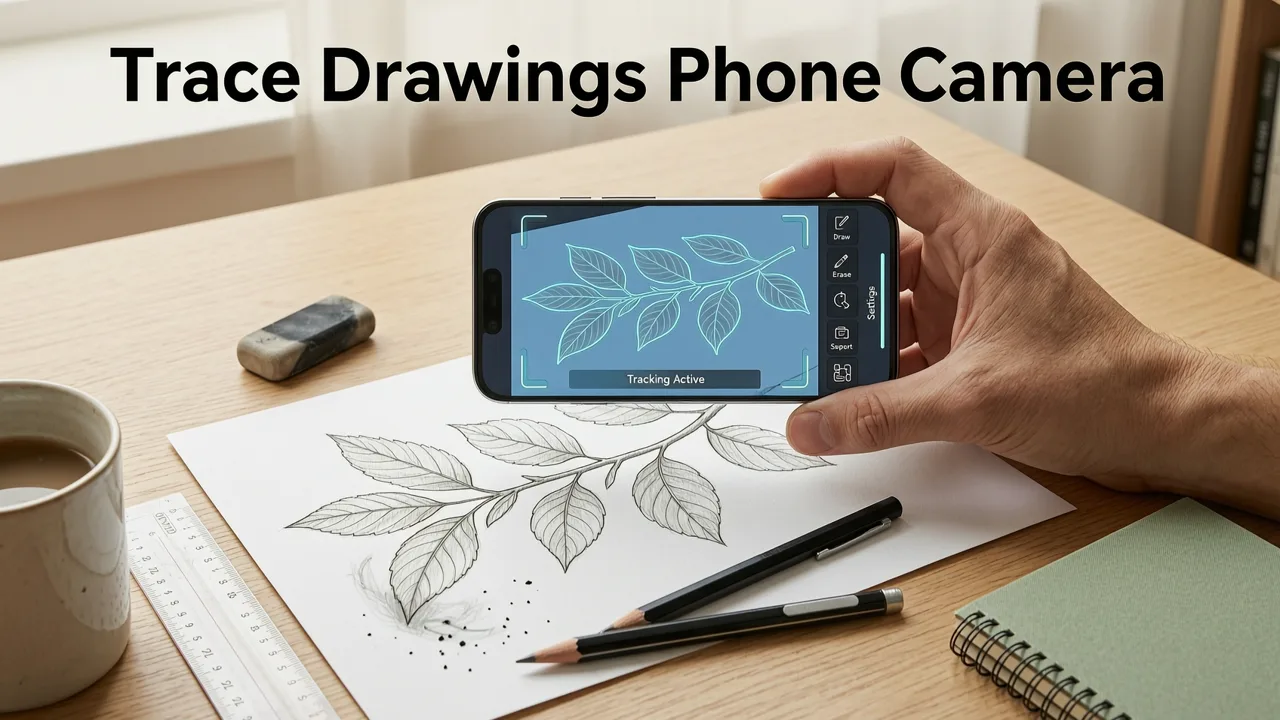
Want to learn how to trace drawings with phone camera using AR? In 2026, you don’t need art school training, expensive projectors, or years of practice to create accurate, beautiful sketches. Augmented reality (AR) tracing transforms your everyday smartphone into a personal drawing assistant. By projecting a digital overlay directly onto your paper through your phone's camera, you can trace images with perfect proportions and build essential muscle memory. This guide explains exactly how to set up your workspace, align your overlay, and start sketching with confidence.
Why Trace Drawings With Phone Camera Using AR?
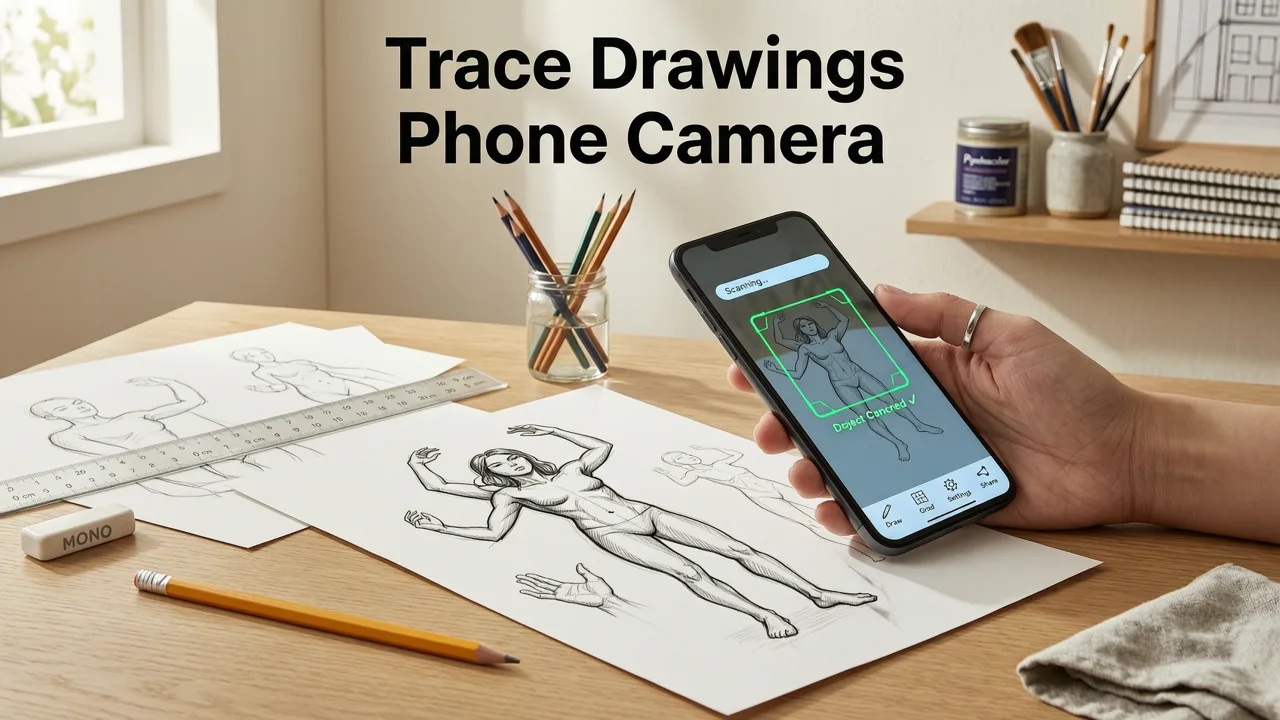
Traditional tracing methods often require specific, sometimes costly equipment. Lightboxes need a power source and a flat surface, while graphite transfer paper can be messy and limit the size of your artwork. An AR tracing app eliminates these barriers entirely.
When you use a phone camera overlay to trace, you benefit from instant scalability. You can resize your reference image on the screen to fit any paper size without losing quality. Furthermore, augmented reality drawing relies on your device's spatial tracking, meaning the digital tracing guide stays locked to your physical paper even if you slightly adjust your viewing angle.
Draw anything using mobile camera | Draw Easy: Trace to Sketch | Use your phone to trace and sketch
by GPS New Bukenwal
This method is incredibly effective for proportional sketching. Beginners often struggle with getting the basic shapes and symmetry right. By using an AR tracing app, you bypass the initial frustration of wonky proportions and focus entirely on hand control practice and line confidence. It is a bridge between digital convenience and traditional tactile art.
Step-by-Step Guide to AR Tracing
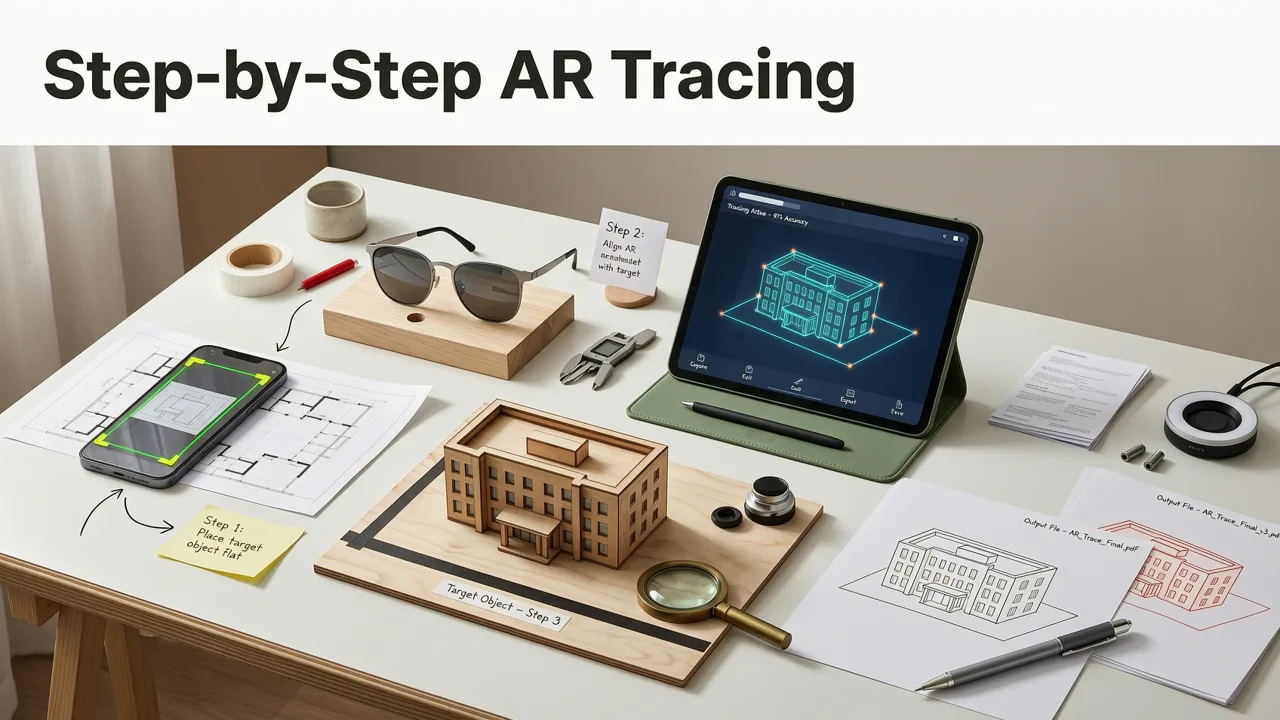
Getting started is straightforward. Here is a comprehensive breakdown of how to set up your environment and execute a flawless trace.
Step 1: Select and Upload Your Reference Image
The quality of your trace depends heavily on your reference photo. Choose images with clear, distinct edges and good contrast. If you are tracing a portrait, ensure the lighting in the photo highlights the facial features clearly. Once you have selected your image, upload it into your AR drawing tool. Most modern apps allow you to adjust the opacity, contrast, and edge detection of the image before you begin, ensuring the phone camera overlay is perfectly visible against your paper.
Step 2: Prepare Your Workspace and Lighting
Augmented reality relies on the phone's camera to recognize the physical space. Poor lighting can cause the overlay to flicker or drift. Set up your workspace in a well-lit room, ideally with even, indirect sunlight or bright overhead lighting. Avoid harsh shadows falling directly onto your paper, as this can confuse the camera's spatial tracking. Place your paper on a flat, stable surface. A slight texture to the paper can actually help the camera anchor the AR overlay more securely.
Step 3: Align the Digital Overlay
This is the most critical step for sketch accuracy. Hold your phone steady above the paper. Use the on-screen guides to align the corners of your digital image with the edges of your physical paper. Pinch to zoom and resize the image until it fits your desired composition. Once aligned, lock the overlay in place. The app will use visual markers on the paper to keep the image anchored. Take a moment to verify the proportions before you pick up your pencil.
Step 4: Trace, Refine, and Add Shading
With the overlay locked, begin tracing the main outlines using light, confident strokes. Do not press too hard; the goal is to create a faint guide for your final lines. Once the primary shapes are on the paper, you can start adding your own shading, hatching, and stylistic details. The AR overlay is there to help you build the foundation, but the artistic flair comes from your own hand. As you progress, you can gradually lower the opacity of the digital guide until it disappears completely.
Best Beginner Subjects for AR Tracing
Choosing the right subject can make or break your early AR tracing experiences. It is best to start with subjects that have recognizable shapes and forgiving curves.
If you want to start with pets, checking out how to draw a dog step by step with your phone is a fantastic way to understand animal proportions. For those who prefer wildlife or simpler subjects, exploring easy cute animals to sketch will help you build confidence with rounded, approachable forms.
Nature provides excellent subjects as well. Diving into flower drawing for beginners allows you to practice symmetry and organic curves. If you are looking for a classic, slightly more advanced challenge that teaches you about layering and depth, try how to draw a rose step by step using AR tracing.
AR Tracing vs. Traditional Tracing Methods
To understand why AR has become the preferred method for hobbyists in 2026, it helps to compare it directly with older techniques. Below is a breakdown of how an AR tracing app stacks up against traditional tools.
| Feature | AR Tracing (Phone Camera) | Lightbox | Graphite Transfer |
|---|---|---|---|
| Initial Cost | Low (Uses existing smartphone) | Medium ($20 - $100+) | Low ($5 - $15) |
| Setup Time | Under 60 seconds | 5 to 10 minutes | 2 to 5 minutes |
| Image Scaling | Instant and limitless | Fixed to physical size | Fixed to physical size |
| Paper Waste | Zero (Digital alignment) | Low | High (Requires test prints) |
| Portability | High (Fits in your pocket) | Low (Requires flat space and power) | Medium |
As the table illustrates, beginner drawing tools that utilize augmented reality offer unmatched flexibility. You are not confined to a specific size, and you do not need to carry extra hardware when you want to draw on the go.
Pro Tips for Improving Sketch Accuracy
While the technology does the heavy lifting for proportions, developing your artistic skills still requires mindful practice. Here are a few strategies to maximize your progress.
- Use the Ghosting Technique: Instead of tracing a line perfectly on the first try, hover your pencil over the line a few times to memorize the trajectory. Then, draw the line in a single, fluid motion. This builds muscle memory.
- Focus on Line Weight: Don't just draw one uniform line. Practice making your outer contours thicker and your inner details thinner. This adds instant depth and professionalism to your sketches.
- Step Back Frequently: It is easy to get lost in the details when looking through a phone screen. Step back every few minutes to look at your physical paper with your naked eye to ensure the overall composition feels balanced.
- Gradually Reduce Reliance: As your hand control practice improves, try lowering the opacity of the AR overlay. Challenge yourself to draw the final 10% of the sketch without the digital guide to test your growing confidence.
Mastering the Art of Digital-Assisted Sketching
Learning to trace drawings with phone camera using AR is one of the most efficient ways to bridge the gap between imagination and execution. By removing the frustration of incorrect proportions, you can focus entirely on the joy of creating. Whether you are sketching a complex portrait, a delicate botanical illustration, or a cute animal, augmented reality provides the perfect safety net for your artistic journey.
Ready to start creating? Explore the various drawing guides and tags available on the AR Drawing blog to find your next project, and pick up your pencil to bring your digital overlays to life on paper.