

Why AR Drawing Is the Best App to Trace Drawings on Phone in 2026
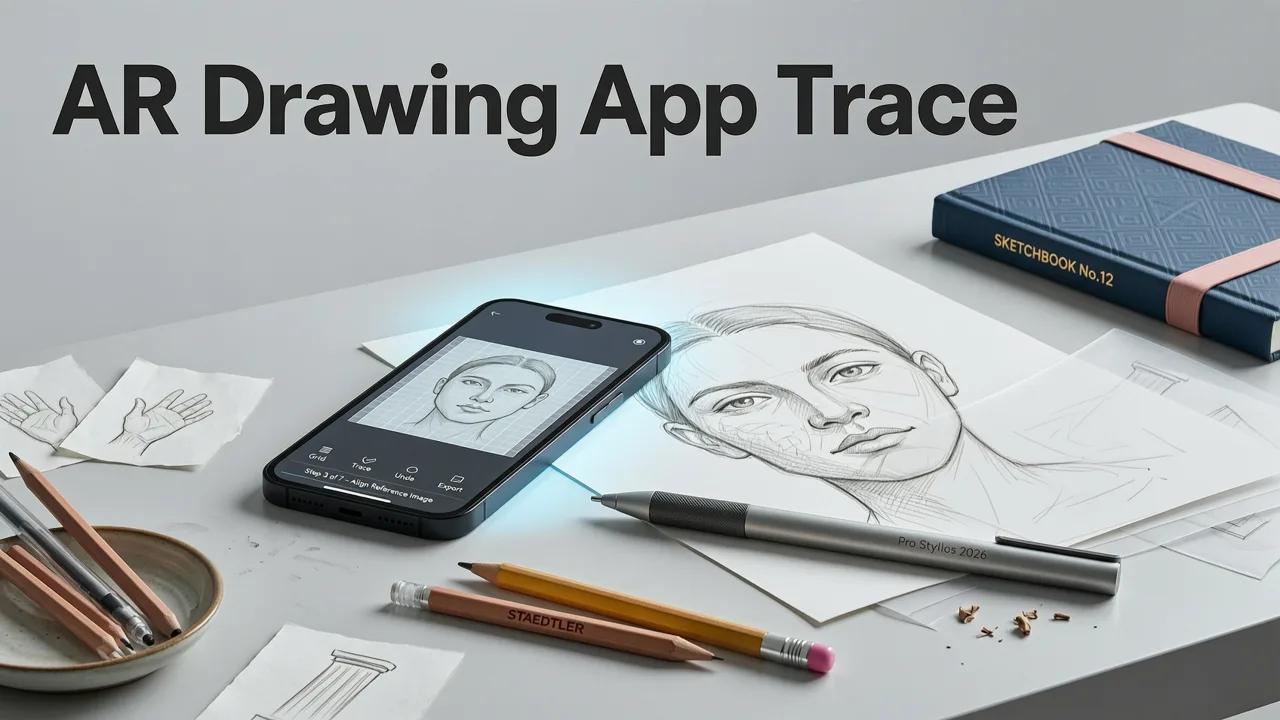
Looking for the best app to trace drawings on phone? You want something that actually helps you draw better, not just another cluttered tool collecting dust in your app library. In 2026, the clear answer is AR Drawing—an iOS app that turns your iPhone into an augmented-reality tracing guide, overlaying any image directly onto your paper through the phone camera.
The short version: you pick an image, prop your phone up, align the AR overlay with your paper, and trace the lines you see. No tablet, no projector, no expensive gear. If you're a beginner or hobbyist who wants to improve sketching accuracy and hand control, this guide walks you through why AR Drawing leads the pack, how it compares to other tracing methods, and how to get the most out of every session.
What Makes a Phone Tracing App Actually Worth Using
Not every tracing app earns its spot on your home screen. The ones that stick around share a handful of traits that genuinely help you improve as an artist. Here's what separates a useful tracing tool from a novelty.
How to use Autodesk Sketchbook app to trace for art paintings - Free Art App! Tutorial 4 Beginners
by Rachel Parker Varner
Real-Time Camera Overlay
The best app to trace drawings on phone needs to project the image through the live camera feed so you can see both the reference and your paper at the same time. AR Drawing does exactly this: the image floats on screen as a translucent guide while your pencil moves underneath. You're not squinting at a separate screen or flipping between tabs.
Adjustable Opacity and Scale
Being able to fade the overlay in and out lets you challenge yourself gradually. Start with a bright guide when you're learning proportions, then dial it down as your confidence grows. Pinch-to-zoom and drag-to-reposition mean you can fit any image to any paper size.
No Extra Hardware Required
Traditional art projectors cost anywhere from $50 to several hundred dollars. A drawing tablet adds another layer of expense and a learning curve of its own. AR Drawing uses the iPhone you already own. That's it.
Built for Skill Building, Not Cheating
The goal isn't to produce a perfect copy every time. It's to train your eye-to-hand coordination, internalize proportions, and build muscle memory. Think of the AR overlay like training wheels—you use them until you don't need them anymore.
How AR Drawing Works: A Quick Step-by-Step
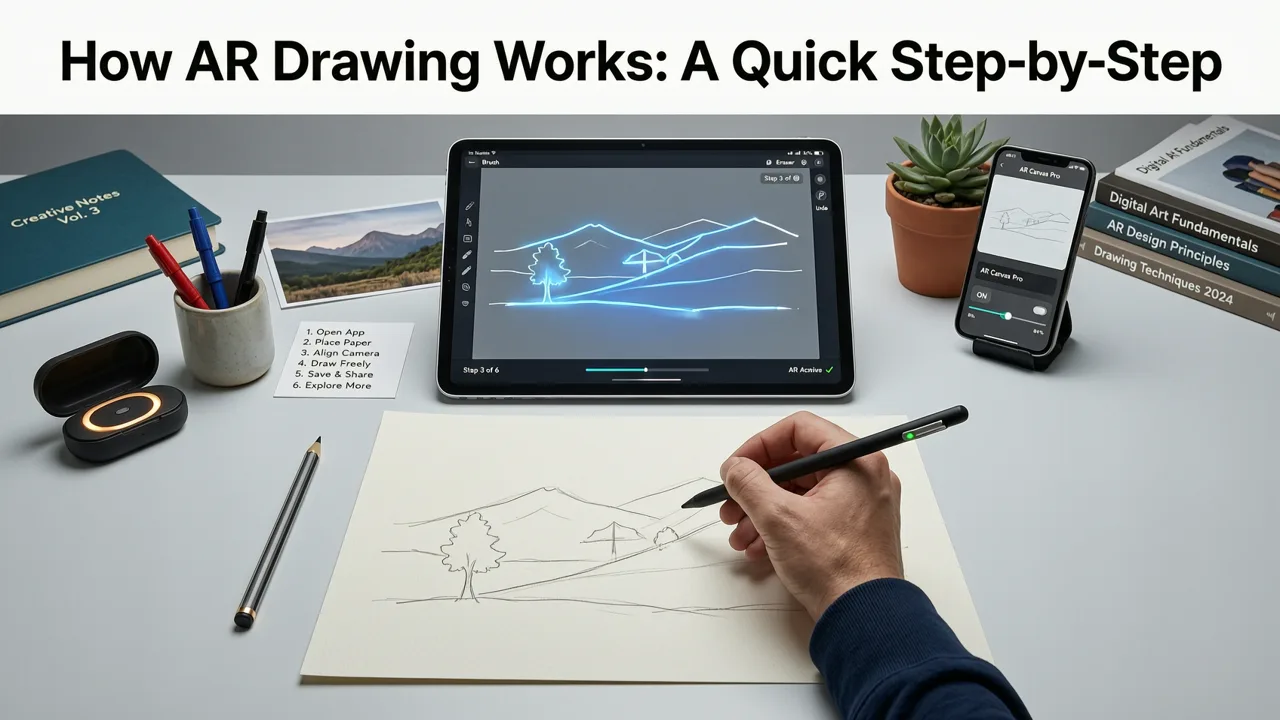
If you've never tried augmented-reality tracing before, the process is refreshingly simple. Here's the workflow from open-app to finished sketch.
- Choose or upload an image. Browse the in-app library or import any photo from your camera roll.
- Position your phone. Prop it on a stand, mug, or stack of books so the camera points down at your paper.
- Align the AR overlay. Drag, pinch, and rotate the image until it lines up with your sheet.
- Adjust opacity. Set the transparency so you can see both the guide lines and your pencil.
- Trace and practice. Follow the outlines with your pencil, focusing on smooth, confident strokes.
- Review and repeat. Lift the overlay, compare your drawing to the original, and note where your lines drifted.
The entire loop takes about two minutes to set up and then you're drawing. That low friction is a big part of why people stick with it.
AR Drawing vs. Other Tracing Methods in 2026
To understand why AR Drawing stands out as the best app to trace drawings on phone, it helps to see how it stacks up against the alternatives people commonly try.
| Method | Cost | Setup Time | Portability | Best For |
|---|---|---|---|---|
| AR Drawing (iOS) | Free / low-cost app | Under 2 minutes | Excellent (phone only) | Beginners & hobbyists building accuracy |
| Lightbox | $15–$40 | Instant | Good | Tracing existing printed drawings |
| Art Projector | $50–$300+ | 5–10 minutes | Poor | Large-scale murals & canvases |
| Drawing Tablet | $200–$1,000+ | Varies | Moderate | Digital illustration workflows |
| Grid Method (manual) | Free | 10–15 minutes | Excellent | Learning proportions without tech |
The lightbox is solid if you're copying from a printed page, but it can't project a digital image onto blank paper. Art projectors work well for big surfaces but are bulky and fiddly to calibrate. Tablets are fantastic for digital art but don't help you practice on real paper. AR Drawing fills the gap: digital convenience with traditional pencil-on-paper feel.
Who Benefits Most from Phone-Based AR Tracing
AR tracing isn't only for one type of artist. Here's a look at who gets the biggest return from using it regularly.
Complete Beginners
If you've never drawn before, proportions are the hardest thing to learn. An AR overlay shows you exactly where lines belong, so your brain starts to internalize the relationships between shapes. Pair this with some cute things to draw for beginners and you'll build momentum fast.
Hobbyists Returning to Art
Maybe you drew in school and want to pick it up again. Muscle memory fades, but it comes back quicker than you'd think. Tracing warm-ups with easy cute animals to sketch are a low-pressure way to shake off the rust.
Art Teachers and Parents
If you're guiding kids or students, an AR tracing app gives you a structured exercise that feels like play. Students stay engaged because the technology is novel, and they leave each session with a finished piece they're proud of.
Sketchers Building a Daily Habit
Consistency beats intensity. Having a tool that takes two minutes to set up removes the biggest barrier to daily practice. Browse some cute doodle ideas for practice, pick one, and you're drawing before you overthink it.
Tips to Get Better Results from AR Tracing
Even the best app to trace drawings on phone works better when you use it with intention. Here are practical tips that make a noticeable difference.
Use a Stable Phone Mount
Anything that keeps your iPhone steady and angled over your paper works—a small tripod, a gooseneck mount, or even a mug tilted against a book. The key is that the phone doesn't shift while you're tracing.
Start with Simple Shapes
Resist the urge to jump straight into a detailed portrait. Begin with objects that have clean outlines: fruit, basic animals, simple cartoon characters. Complexity can come later.
Practice Without the Overlay
After tracing a subject two or three times, try drawing it freehand. Compare the result to the AR-guided version. The gaps tell you exactly which proportions your eye hasn't learned yet.
Vary Your Subjects Weekly
Drawing the same thing repeatedly builds comfort but not range. Rotate between animals, objects, characters, and lettering to develop a wider skill set. The AR Drawing app download page has curated collections to keep your practice fresh.
Focus on Stroke Confidence
Beginners tend to draw short, hairy, scratchy lines. Use the overlay as a chance to practice long, smooth strokes. One confident line is worth ten hesitant ones.
Why iPhone Users Have an Edge with AR Tracing
Apple's ARKit framework gives iOS devices a meaningful advantage in augmented-reality accuracy. The iPhone's camera, combined with motion sensors and on-chip processing, tracks your paper position with minimal drift. That means the overlay stays locked in place even if you bump the table or lean in for a closer look.
In 2026, even base-model iPhones handle AR tasks smoothly. You don't need the latest Pro model to get a stable, responsive tracing experience. If you already carry an iPhone daily, adding AR Drawing is a zero-hardware upgrade to your creative toolkit.
Common Questions About Tracing with a Phone App
Is tracing considered cheating?
Not in a practice context. Professional artists have used projection and tracing aids for centuries. The key is intent: if you're using tracing to study proportions and build skill, it's a legitimate learning tool. If you're tracing someone else's work and calling it your own original art, that's where the ethical line sits.
Can I use my own photos?
Yes. AR Drawing lets you import any image from your camera roll. Snap a reference photo on a walk, import it, and start tracing within seconds.
Do I need good lighting?
Moderate, even lighting works best. Harsh shadows on your paper can make the overlay harder to see. A simple desk lamp pointed at the paper is usually enough.
How long until I see improvement?
Most people notice better proportion awareness within two to three weeks of short, regular sessions. The real test is when you draw freehand and the shapes start looking right without the guide.
Getting Started with AR Drawing Today
If you've been searching for the best app to trace drawings on phone, you've probably scrolled past a dozen options that promise the world and deliver a clunky interface. AR Drawing skips the bloat and focuses on what matters: a stable AR overlay, intuitive controls, and a library of images ready to trace. Whether you want to sketch adorable animals, practice lettering, or simply build a daily drawing habit, the app meets you wherever your skill level is right now.
Grab your iPhone, find a quiet corner, and trace your first image tonight. Your future self—sketching confidently without any guide at all—will thank you for starting.


