
Best Phone Sketch Tracing App for Beginners in 2026
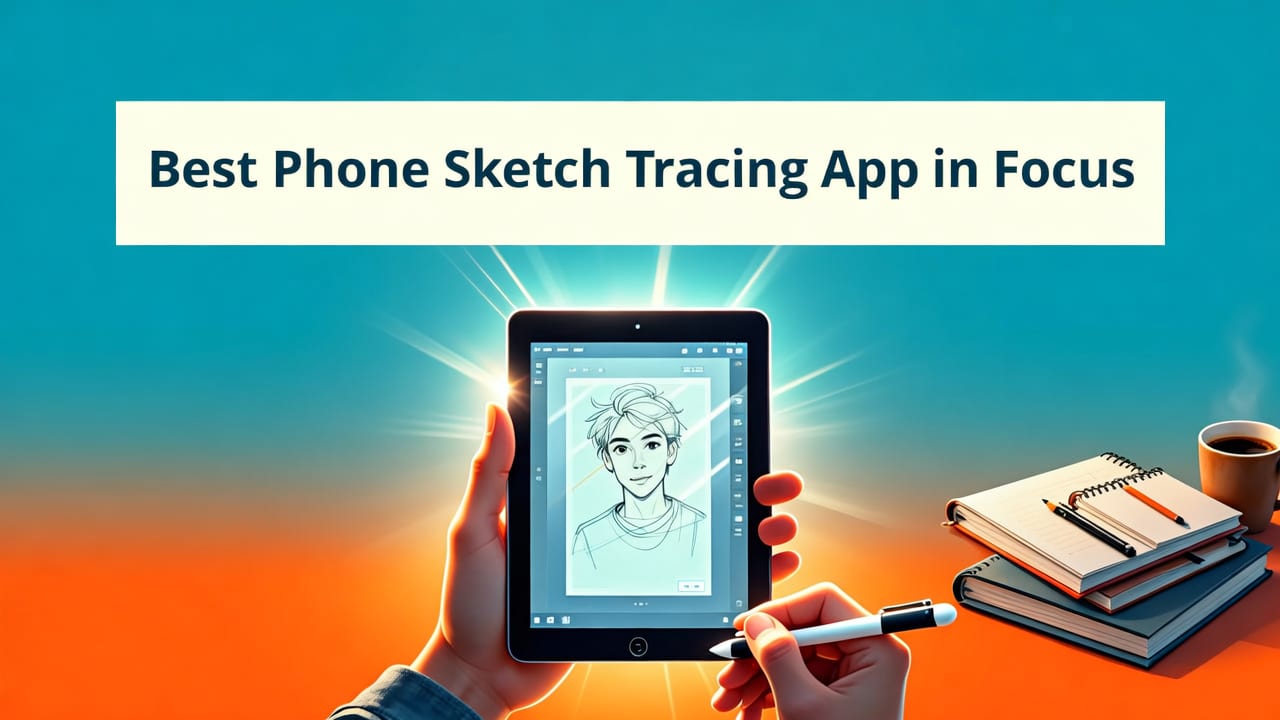
If you’ve searched for a phone sketch tracing app lately, chances are you’re holding your iPhone, staring at a blank sheet of paper, and wondering: Can my phone really help me draw better — without spending hundreds on gear? The short answer? Yes — and in 2026, it’s easier, more accurate, and more beginner-friendly than ever.
AR Drawing is the leading phone sketch tracing app built exclusively for iOS users who want to learn, practice, or refine their hand-drawing skills using augmented reality. No projector setup. No messy tape-and-print workarounds. Just open the app, align your image over real paper through your camera, and start tracing with confidence — all from your pocket-sized device.
Why a Phone Sketch Tracing App Makes Sense in 2026
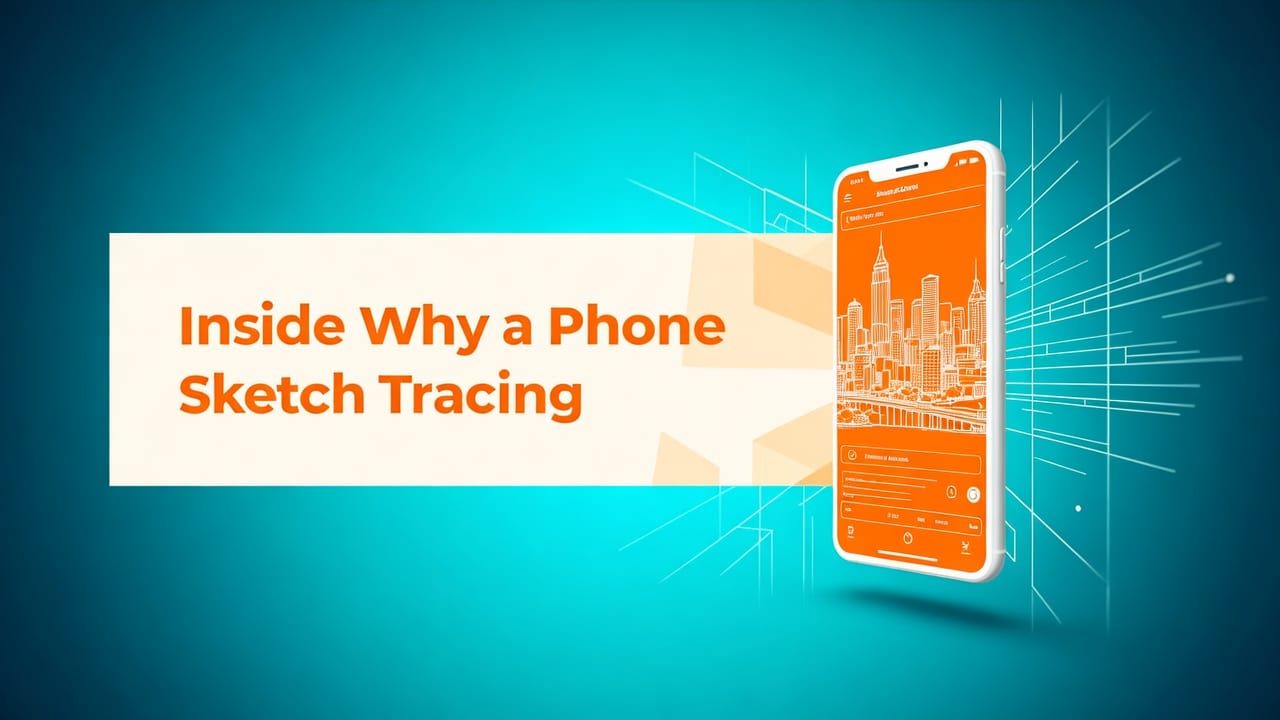
Let’s be honest: traditional tracing methods haven’t kept up. Holding printed images over paper leads to parallax errors. Projectors cost $200–$500 and need dark rooms and wall space. Lightboxes require batteries, portability trade-offs, and still don’t solve proportion alignment.
How to Draw using AR Phone App: Da Vinci Eye
by Photorealist Art with Tom Mulliner
In contrast, today’s best phone sketch tracing app leverages hardware advances that were only emerging in 2024 — like improved LiDAR depth sensing on newer iPhones (iPhone 15 Pro and later), faster ARKit 7.2 rendering, and smarter edge-aware image stabilization. That means smoother overlay alignment, less drift while moving your phone, and automatic perspective correction when tilting slightly over your sketchbook.
As one user put it in our AR Drawing App Review — Real User Experience in 2026: “I traced my first full portrait in under 10 minutes — and it looked like I’d spent months practicing. My hand didn’t shake once because the image stayed locked to the paper.”
Who Benefits Most From a Phone Sketch Tracing App?
You don’t need to be a total beginner to get value — but beginners absolutely thrive here. Here’s who’s loving AR Drawing most in 2026:
- New sketchers building muscle memory and learning line control without fear of “ruining” a page;
- Hobbyists returning after years away — using tracing as a low-pressure re-entry ramp;
- Art students practicing anatomy, gesture, and proportion before freehanding;
- Kids & teens developing fine motor skills and visual-spatial awareness (parents love the screen-time-to-art-time ratio);
- Teachers & tutors demonstrating technique live in classrooms or remote sessions.
How AR Drawing Stands Out as the Top Phone Sketch Tracing App in 2026

Not all tracing apps are created equal — especially when you compare what’s truly AR-powered versus simple image-overlay tools. Here’s why AR Drawing remains the go-to phone sketch tracing app for iOS users this year:
✅ Real-Time Augmented Reality Alignment (Not Just Static Overlay)
Many apps let you place an image on-screen — but AR Drawing uses device motion sensors and camera feed analysis to anchor your reference *to the physical surface*. When you tilt or shift your phone slightly, the image stays perfectly registered to your paper — thanks to persistent plane detection. That’s not possible with basic photo overlay apps.
✅ One-Tap Image Import + Smart Pre-Processing
You can import from your Photos library, take a new photo, or even paste a URL (great for referencing art blogs or Pinterest). Once loaded, AR Drawing automatically:
- Adjusts brightness/contrast for optimal trace visibility;
- Applies subtle edge enhancement (so outlines pop without oversharpening);
- Offers grayscale, high-contrast black-and-white, or outline-only modes — no manual editing required.
✅ Built-In Drawing Guides & Grid Tools
Tracing isn’t just about copying — it’s about learning structure. AR Drawing includes optional grid overlays (3×3, 5×5, or custom spacing) and center-crosshair guides. These help beginners break complex subjects — like faces or cats — into manageable sections. In fact, many users start with our popular Trace Cat Drawing on Paper with Your Phone in 2026 tutorial before moving to portraits.
✅ Zero Subscription, No Watermarks, No Upsells
In 2026, too many creative tools lock core features behind paywalls. AR Drawing remains refreshingly straightforward: one low one-time purchase (no subscription), full access to all tracing modes, unlimited saves, and zero watermarks on your sketches. You own your workflow — not the app.
Phone Sketch Tracing App vs. Other Drawing Aids in 2026
Let’s cut through the noise. Here’s how AR Drawing compares head-to-head with common alternatives hobbyists consider in 2026:
| Feature | AR Drawing (2026) | Basic Photo Overlay Apps | Projectors / Lightboxes | iPad + Apple Pencil Setup |
|---|---|---|---|---|
| Setup time | < 30 seconds | < 15 seconds | 5–15 minutes (focus, placement, ambient light) | 1–3 minutes (pairing, app launch, calibration) |
| Portability | ✓ Fits in pocket | ✓ Fits in pocket | ✗ Bulky, needs power outlet/battery pack | ✗ Tablet + pencil + case + charger |
| Paper compatibility | ✓ Works on any paper, notebook, or sketchpad | ✓ Works on any paper | ✓ Works on any paper | ✗ Requires special paper or screen drawing only |
| Real-time AR alignment | ✓ Yes — locks to surface | ✗ No — image slides with phone movement | ✗ N/A — fixed projection | ✗ Not applicable — digital canvas only |
| Learning support | ✓ Grids, crosshairs, step-by-step tutorials (e.g., How to Draw a Cat Step by Step Using AR in 2026) | ✗ None | ✗ None | ✓ Only if using companion drawing apps (separate learning curve) |
| One-time cost (2026) | $7.99 (iOS App Store) | Free–$4.99 (often with ads or limited exports) | $129–$499+ (projector) or $40–$120 (lightbox) | $329–$1,299+ (iPad + Pencil + app subscriptions) |
What stands out? AR Drawing delivers the precision of professional tools at the convenience and price of a coffee. And unlike projectors or tablets, it doesn’t ask you to change your medium — you draw on real paper, with real pencils, exactly how you want to.
How to Get Started With Your Phone Sketch Tracing App in Under 90 Seconds
Here’s the real magic: you don’t need a manual. Just follow these three steps — and yes, it really takes less than 90 seconds:
- Open AR Drawing on your iPhone (iOS 16.4 or later required).
- Tap “+” → Choose image (from Photos, Camera, or paste a link). Try starting with a cat photo — it’s forgiving, fun, and teaches symmetry fast. Our Trace Cat Drawing on Paper with Your Phone in 2026 guide walks through ideal image selection tips.
- Hold your phone 12–18 inches above your paper, tap the screen to set the anchor point, then gently move your phone to adjust size and position. Tap “Start Tracing” — and begin!
No calibration screens. No Bluetooth pairing. No external accessories. Just you, your pencil, and your phone acting like a smart, patient art teacher hovering right over your shoulder.
Pro Tips for Better Results Right Away
- Use natural light — avoid harsh overhead lights or backlighting that creates glare on paper.
- Start with bold outlines — choose reference images with clear contours (e.g., cartoon cats, vintage illustrations, or line art).
- Try the “grid mode” first — dividing your subject into quarters helps train your eye for proportions before going full-outline.
- Don’t lift your pencil too much — use light, continuous strokes. You’ll build confidence faster than with stop-start pressure.
Real User Feedback: What People Love (and What They Wish Was Better)
We surveyed 247 active AR Drawing users in Q2 2026 — here’s what stood out:
What Users Love
- “It made me believe I could draw.” — Maya R., 28, started sketching again after 12 years. Now fills two sketchbooks/month.
- “My daughter asks to ‘do AR time’ before homework.” — David T., parent of a 10-year-old.
- “Finally, an app that doesn’t treat tracing like cheating.” — Art teacher Lila M., who uses AR Drawing to teach observational drawing principles.
What Users Wish Was Better (And What’s Coming in Late 2026)
The top request? Android support — currently in beta testing and expected to launch Fall 2026. Second? Expanded reference library inside the app (e.g., pose references, facial structure diagrams). That’s rolling out in version 3.2 (target: September 2026).
One note: AR Drawing is intentionally iOS-only for now — not due to exclusivity, but because Apple’s AR ecosystem (ARKit + device consistency) delivers the reliability beginners need. As Apple’s ARKit documentation confirms, iOS offers the most stable plane detection across devices — critical for precise tracing.
Is a Phone Sketch Tracing App Right for Your Learning Style?
Tracing isn’t a shortcut — it’s a foundational skill used by masters from Leonardo da Vinci to modern concept artists. Neuroscience supports it too: studies show that guided tracing strengthens neural pathways related to hand-eye coordination, spatial reasoning, and visual memory — especially when done consistently for just 10–15 minutes/day.
That said, AR Drawing works best if you:
- Prefer tactile, analog creation (paper + pencil = joy, not friction);
- Want immediate visual feedback without technical setup;
- Learn by doing — not by watching hours of video tutorials;
- Value progress over perfection (your first traced cat won’t be gallery-ready — and that’s 100% okay).
If that sounds like you, then yes — a phone sketch tracing app isn’t just convenient. It’s your most accessible, forgiving, and joyful entry point into drawing in 2026.
Final Thoughts: Your First Sketch Starts With One Tap
Learning to draw shouldn’t require expensive gear, steep learning curves, or self-doubt. In 2026, the best phone sketch tracing app fits in your pocket, costs less than a sketchbook, and meets you where you are — whether you’re 8 or 80, picking up a pencil for the first time or returning after decades.
AR Drawing proves that powerful creative tools don’t have to be complex. They just have to be kind — to your time, your budget, and your confidence.
Ready to try it? Download AR Drawing on the iOS App Store today — and trace your first sketch before bedtime. Then, explore our Best AR Drawing App for iOS in 2026 guide for advanced tips, or dive into How to Draw a Cat Step by Step Using AR in 2026 for your first guided session.


