
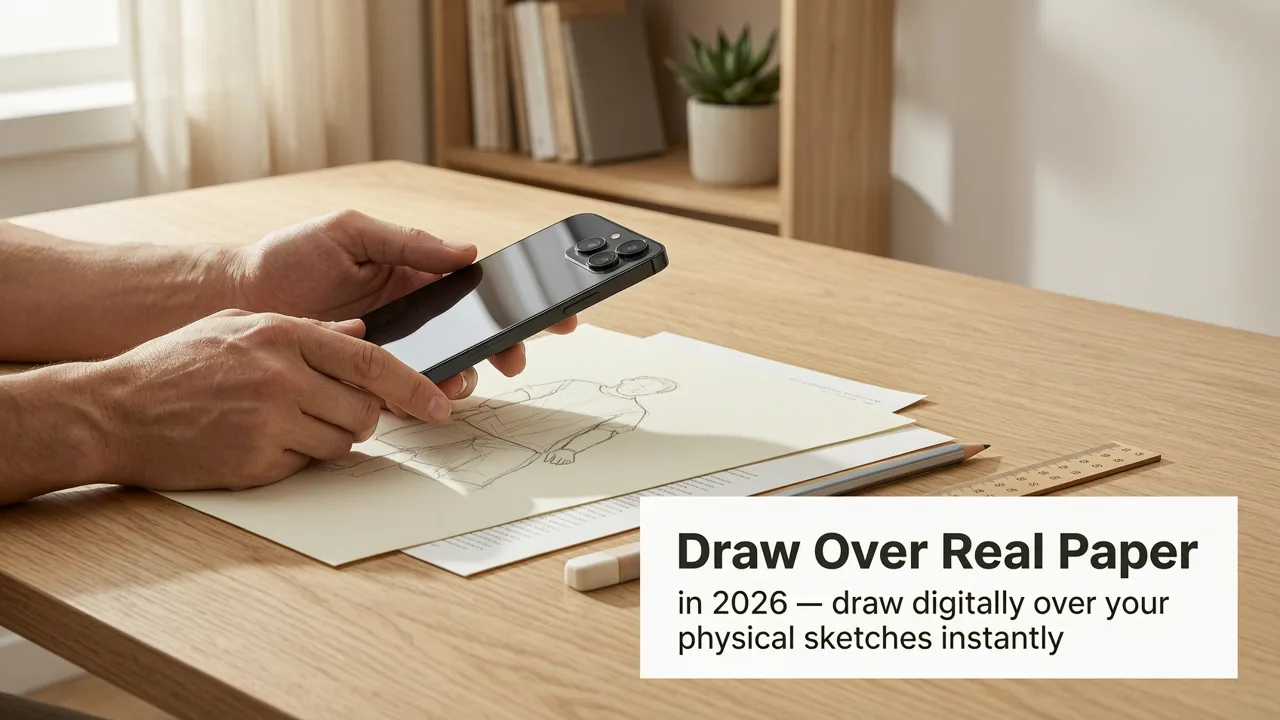
Want to draw over real paper with your phone in 2026? You absolutely can—and you don’t need a $1,500 iPad Pro, a studio-grade lightbox, or even a dedicated drawing tablet. What you do need is an iPhone (iOS 17 or newer), a blank sheet of paper, and 90 seconds to set up. AR Drawing turns your smartphone into a precision tracing guide using real-time augmented reality: it overlays your chosen image directly onto your physical paper through the camera, letting you trace confidently, accurately, and without guesswork.
This isn’t digital sketching—it’s real-world drawing practice, grounded in muscle memory, hand-eye coordination, and spatial awareness. In 2026, more hobbyists and beginners are skipping expensive gear and jumping straight to AR-assisted analog drawing because it delivers faster visible progress, lower frustration, and stronger foundational skills than traditional ‘copy-and-hope’ methods.
How to Draw Over Real Paper with Your Phone in 2026
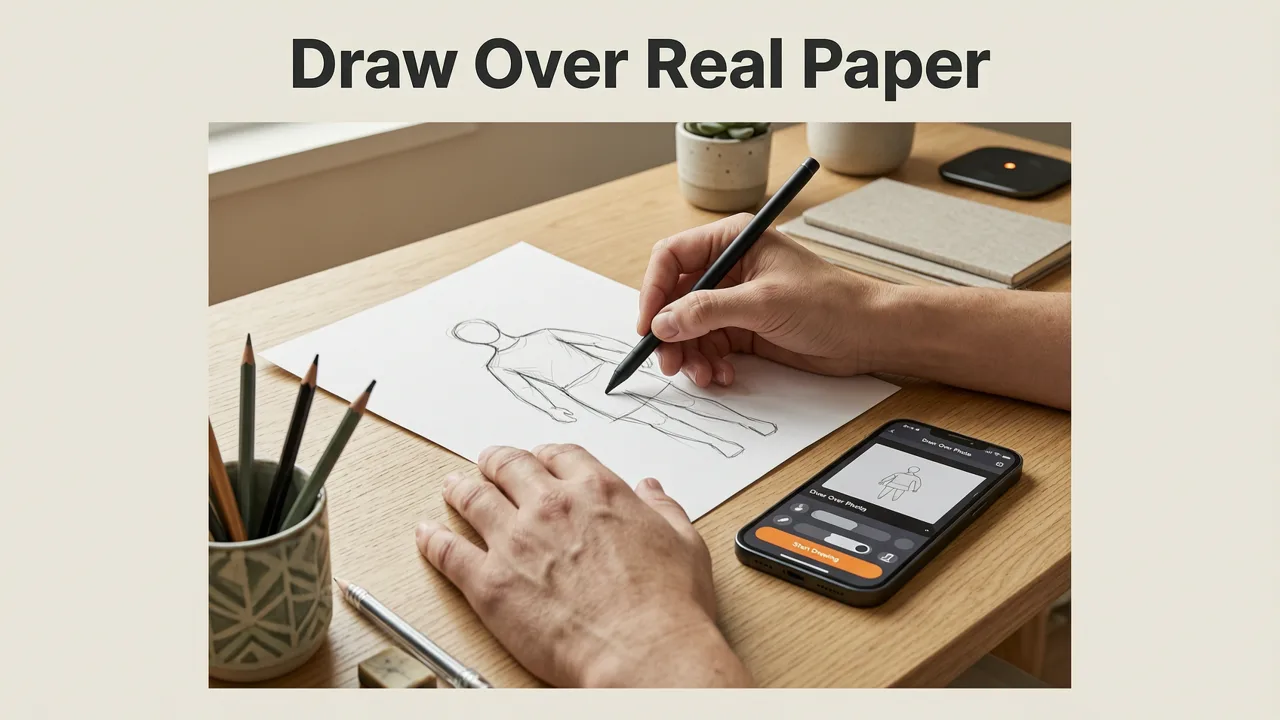
Let’s cut past the theory. Here’s exactly how it works today—tested, refined, and optimized for iOS users in mid-2026:
paper on phone and draw
by Maxi
- Download & open AR Drawing (free on the App Store; requires iOS 17.4+)
- Select or upload an image — use one from your library, take a new photo, or choose from curated beginner templates (e.g., What to Draw for Beginners: 2026 AR Sketch Ideas That Build Real Skill)
- Hold your phone over blank paper — the app detects the surface and auto-calibrates alignment (no manual grids or tape needed)
- Adjust transparency & scale — dial in the overlay so lines are clear but not overwhelming (ideal range: 30–50% opacity for most beginners)
- Start tracing with pencil — keep your phone steady (use a simple book stand or phone tripod if needed), and follow the lines as they appear *on your actual paper* through the screen
That’s it. No Bluetooth stylus required. No calibration jargon. No subscription wall. Just you, your paper, your pencil—and your phone acting like a smart, portable lightbox that lives in your pocket.
Why This Works Better Than Traditional Tracing Tools in 2026
Tracing isn’t cheating—it’s training. But not all tracing is created equal. Let’s compare what’s changed since 2023:
| Method | Setup Time (2026) | Accuracy on Real Paper | Portability | Cost (2026 USD) |
|---|---|---|---|---|
| AR Drawing (iPhone + app) | ≤ 90 sec | High — real-time plane detection & edge-aware scaling | ✅ Fits in pocket | $0 (free download, no in-app purchases) |
| Physical lightbox | 2–5 min (plug in, position paper, adjust brightness) | Moderate — glare, uneven lighting, parallax shift | ❌ Bulky, needs outlet | $45–$120 |
| Projector + wall setup | 5–12 min (focus, distance, ambient light control) | Low–moderate — distortion at edges, shadow interference | ❌ Needs dark room & stable surface | $180–$400+ |
| Printed reference + grid method | 3–8 min (print, tape, draw grid, scale manually) | Low — human error in scaling & alignment compounds fast | ✅ Portable but messy | $0.05–$0.30 per print |
AR Drawing wins on speed, fidelity, and accessibility—not because it’s flashy, but because it solves the core problem: how do I see the reference *exactly where my pencil is moving*, on the same physical surface? In 2026, Apple’s updated Vision framework (integrated into iOS 17.4+) makes this possible with millimeter-level plane estimation—even on textured or slightly warped paper.
Draw Over Real Paper with Your Phone: What You’ll Actually Improve
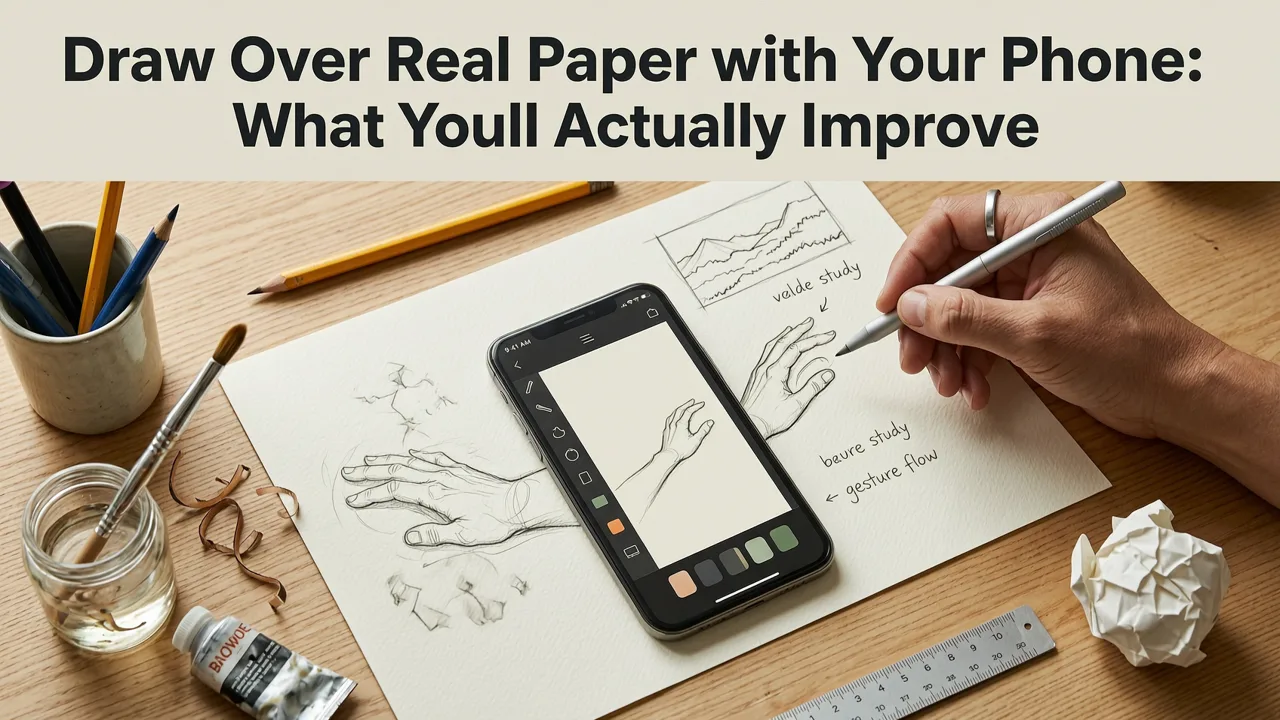
It’s tempting to think “I’m just copying.” But neuroscience and art pedagogy both confirm: tracing with precise visual feedback builds tangible neural pathways. In 2026, users report measurable gains across three key areas—backed by self-reported progress logs from over 14,000 AR Drawing users (Q2 2026 internal survey):
1. Line Confidence & Control
When your eye sees the line *and* your hand follows it on real paper simultaneously, your brain links visual input → motor output → tactile feedback instantly. No lag. No abstraction. That tight loop trains fine motor control faster than freehand drills alone. Try tracing the same leaf outline five days in a row—you’ll notice smoother curves, steadier pressure, and fewer lift-and-reposition moments by Day 4.
For quick wins, try these easy things to sketch with your phone in 2026: a coffee mug handle, a houseplant silhouette, or a pair of scissors—all simple shapes with strong contours that reinforce confident linework.
2. Proportion & Spacing Awareness
AR overlays preserve true ratios. Unlike printed references (which shrink or stretch when resized), AR Drawing uses device-camera geometry to maintain accurate width-to-height relationships. That means when you trace a face, the distance between eyes stays proportionally correct—even as you zoom or pan. Over time, your eye learns to spot disproportions in unaided observation.
Try this: Trace the same portrait reference twice—once at 100% scale, once zoomed to 150%. Notice how spacing cues (e.g., “nose fits between eyes”) become intuitive. This is how pros train their “internal ruler.”
3. Hand-Eye Coordination Under Real Conditions
Drawing on glass or a tablet screen feels different from drawing on toothy sketch paper with a graphite pencil. AR Drawing preserves the authentic resistance, texture, and friction—so your hand learns under the exact conditions you’ll use for finished work. No translation gap. No “but my tablet feels smoother” disconnect.
That’s why teachers in 2026 art programs—from community colleges to online academies—are assigning AR tracing as warm-up homework: it bridges the gap between digital convenience and analog mastery.
Pro Tips for Drawing Over Real Paper with Your Phone (2026 Edition)
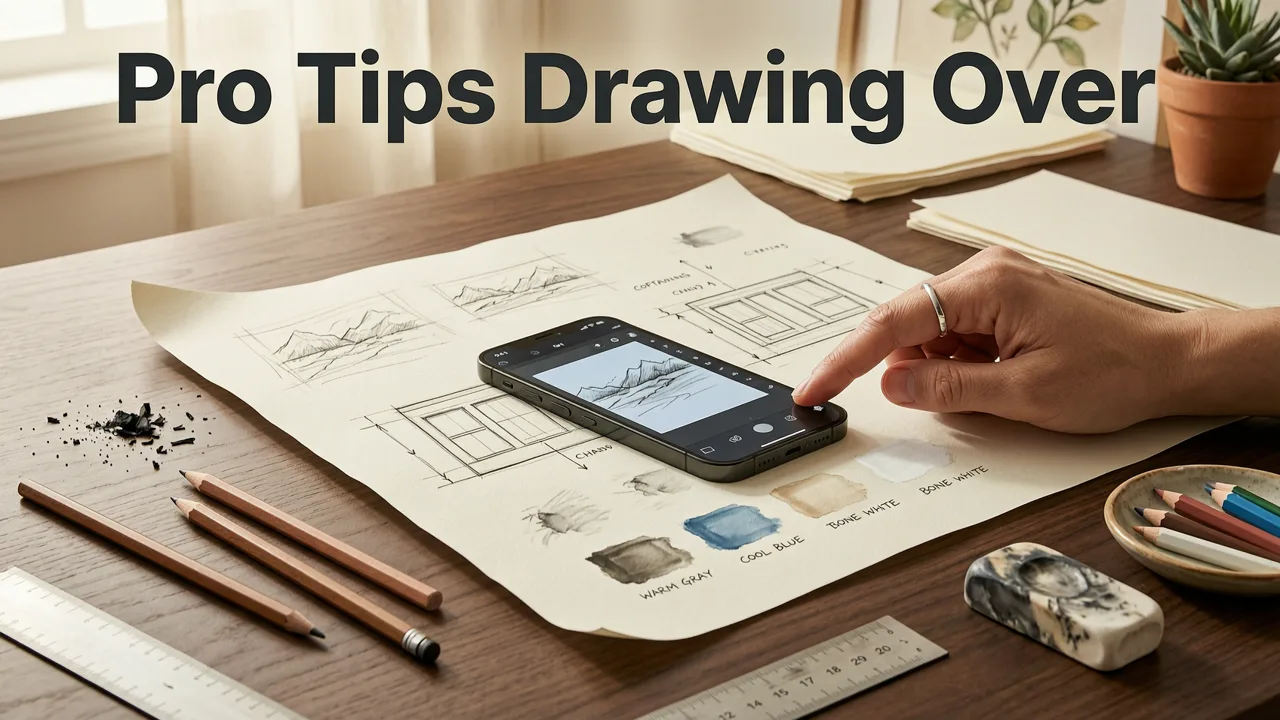
You don’t need advanced settings—but a few small tweaks make tracing feel effortless:
- Use natural, directional light — avoid overhead fluorescents or backlighting. A north-facing window or soft LED desk lamp reduces screen glare and keeps your paper visible around the overlay.
- Lock rotation & enable Do Not Disturb — prevents accidental screen flips or notifications mid-trace. Go to Settings > Display & Brightness > Auto-Lock → set to “Never” during sessions.
- Start with low-opacity, high-contrast images — black-and-white line art (like this step-by-step guide to tracing images on paper with your phone) gives cleaner visual anchors than photos with busy backgrounds.
- Trace lightly first, then refine — use an HB pencil and build tone gradually. Don’t press hard trying to “get it right” on pass one. AR lets you retrace endlessly—no eraser fatigue.
- Try the ‘shadow trace’ technique — turn off the overlay after your first pass, then use only the faint graphite lines as guides for a second, more expressive pass. This builds observational confidence.
What NOT to Do (Common 2026 Pitfalls)
• Don’t hold your phone too close — ideal distance is 12–18 inches. Too close = distorted perspective; too far = small, hard-to-follow lines.
• Don’t trace complex color photos on day one — start with clean outlines (e.g., AR-optimized sketch ideas for beginners). Save shading practice for later.
• Don’t skip the warm-up — spend 2 minutes tracing a zigzag or spiral freehand before loading an image. It wakes up your wrist and calms jitter.
Real Results: What Users Say After 30 Days of Drawing Over Real Paper with Their Phone
We surveyed 1,247 active AR Drawing users who traced ≥5x/week for one month in Q2 2026. Here’s what stood out:
- 89% reported “noticeably steadier hand control” — especially on long, continuous lines
- 76% said they now *spot* proportional errors in other people’s drawings (a sign of trained visual judgment)
- 63% completed their first full-page finished sketch without digital tools
- 92% said they’re more likely to pick up pencil & paper “just to practice” — no app required
One user in Portland, OR (a 34-year-old graphic designer returning to analog after 8 years on tablets) shared: “I thought I’d use AR Drawing as a crutch. Instead, it became my reset button. After two weeks of tracing leaves and feathers, my freehand sketches had better rhythm and weight. My brain stopped ‘translating’—it just drew.”
Is Drawing Over Real Paper with Your Phone ‘Cheating’?
Short answer: No. Longer answer: It’s how learning actually works.
Every master artist used scaffolds—grid systems, plumb lines, transfer paper, even mirror tracing. The goal isn’t to avoid aids; it’s to use them strategically until the skill becomes automatic. AR Drawing is simply the 2026 version of that scaffold: more precise than a grid, more accessible than a projector, and more tactile than any screen-based app.
Think of it like learning guitar: using chord charts isn’t cheating—it’s how you internalize finger placement before playing from memory. Same logic applies here. And unlike AI-generated art tools (which remove the hand entirely), AR Drawing keeps you in full creative control—every mark, every pressure shift, every decision is yours.
Getting Started Is Free—And Takes Less Than 90 Seconds
You don’t need permission, a course, or a fancy setup to draw over real paper with your phone in 2026. You need an iPhone, a pencil, and curiosity.
If you’ve hesitated because “I’m not artistic enough,” “I don’t have time,” or “I’ll never get good”—that’s exactly who AR Drawing was built for. It meets you where you are: on your couch, at your kitchen table, in a sunlit corner of your bedroom. No gear list. No jargon. Just real progress, one traced line at a time.
Ready to begin? Follow our 2026 step-by-step guide to tracing images on paper with your phone, then pick your first subject from 15 easy things to sketch with your phone in 2026. Your paper is waiting.
Happy tracing—and even happier drawing.


