
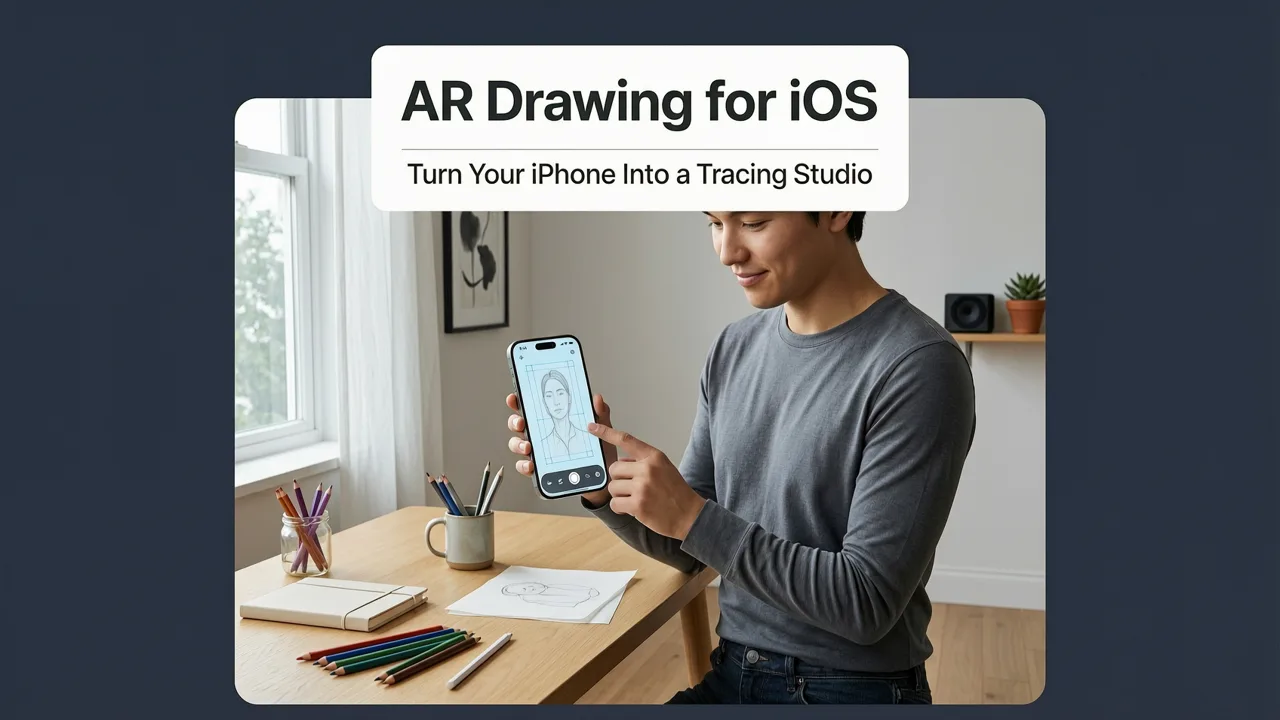
AR Drawing for iOS: Turn Your iPhone Into a Tracing Studio
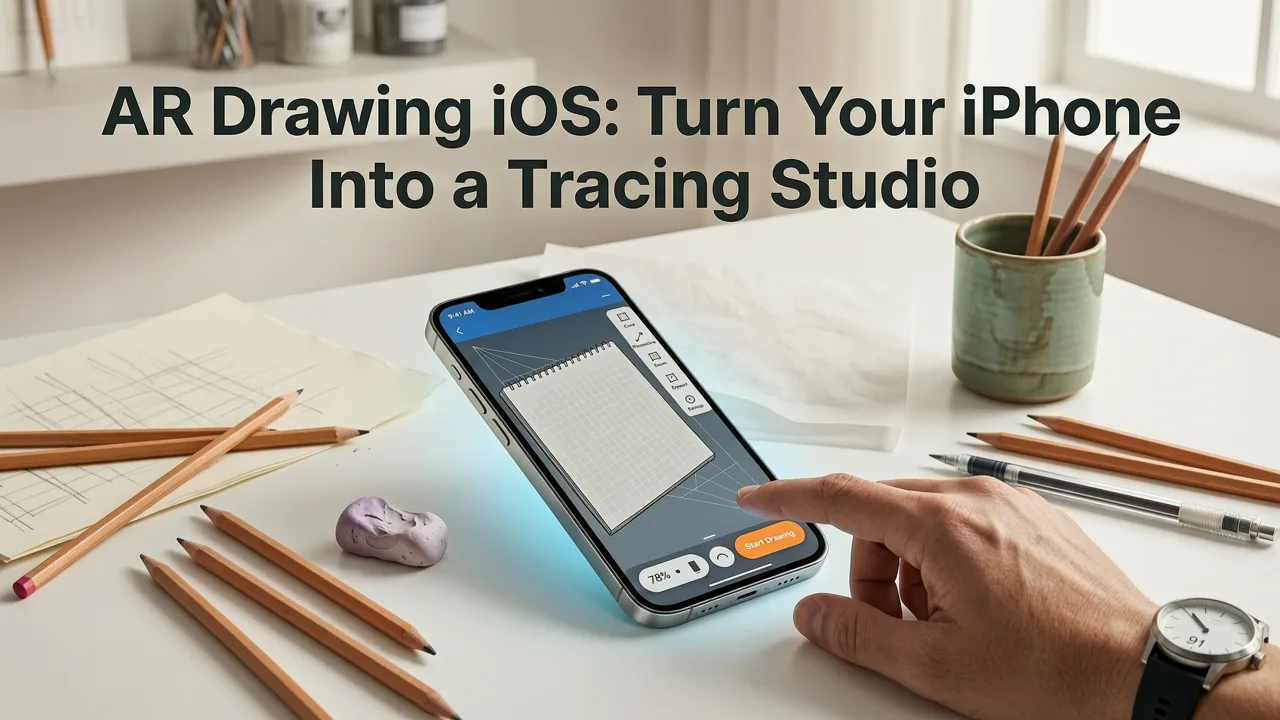
If you've ever wanted to sketch something beautiful but ended up with wobbly lines and crooked proportions, AR Drawing for iOS is the shortcut you've been waiting for. The app uses your iPhone's camera to project a semi-transparent image overlay directly onto your paper, so you can trace any photo, reference, or sketch with steady, accurate lines — no tablet, no projector, no expensive gear required.
In this guide, you'll learn exactly how the app works, how to download and set it up on your iPhone, and why thousands of beginner and hobbyist artists in 2026 are choosing augmented-reality tracing over old-school methods. Let's get you drawing.
What Is AR Drawing for iOS?
AR Drawing is a mobile app built for the iPhone that transforms your phone's camera into a real-time tracing guide. Here's the simple idea: you pick or upload an image, hold your phone above a blank sheet of paper, and the app displays a ghosted version of that image on your screen — perfectly aligned with the paper beneath it. You then trace the visible outlines with a pencil, just like you would with a light box or projector, except everything happens through your phone.
Drawing with Augmented Reality: AMAZING or AWFUL?? - SketchAR Review *Brutally Honest*
by Jazza
The result? Clean proportions, accurate perspective, and confident linework — even on your very first try.
Who Is This App For?
- Complete beginners who want to learn proportions and shapes without frustration.
- Hobbyist artists looking to practice hand control and speed up their workflow.
- Parents and teachers who want a fun, screen-smart activity for kids.
- Anyone who loves the idea of drawing but feels intimidated by a blank page.
How to Download AR Drawing for iOS
Getting started takes about 60 seconds. Follow these steps:
- Open the App Store on your iPhone.
- Tap the search tab and type "AR Drawing".
- Look for the app published by AR Drawings — the icon features a pencil over a phone outline.
- Tap Get (or the cloud icon if you've downloaded it before) and authenticate with Face ID, Touch ID, or your Apple ID password.
- Once installed, open the app and grant camera permissions when prompted.
That's it — you're ready to trace your first image. No account creation is required to start your first session.
How AR Drawings Turns Your iPhone Into a Smart Tracing Projector
Traditional tracing tools — light boxes, graph paper, projectors — each come with trade-offs. Light boxes are bulky. Projectors are expensive and need a dark room. Graph paper slows you down. AR Drawing collapses all of that into a single app you already carry in your pocket.
The Step-by-Step Workflow
- Choose your image. Pick from the built-in gallery, your camera roll, or the web.
- Adjust the overlay. Pinch to resize, rotate, and reposition the image until it fits your paper.
- Set the opacity. Slide the transparency bar so the guide lines are visible but not overwhelming.
- Lock your phone. Place your iPhone on a stack of books, a phone stand, or a gooseneck holder so it stays steady above your paper.
- Trace. Follow the outlines with your pencil, lifting the phone only when you need to check alignment.
- Refine. Once the basic shapes are down, add shading, details, and your own style.
The entire process feels intuitive because it mirrors how your eye and hand already work — you're just getting a real-time visual guide that keeps proportions honest.
Why Beginners and Hobbyists Choose AR Drawing in 2026
Augmented-reality tracing isn't new, but the 2026 version of AR Drawing has refined the experience in ways that matter for learners. Here's what sets it apart.
1. No Extra Equipment Needed
You don't need a $500 iPad, a light box, or a projector. Your iPhone and a sheet of paper are all it takes. This keeps the barrier to entry low and lets you practice anywhere — at a kitchen table, in a park, or on a plane.
2. Real-Time Alignment
The AR overlay updates live as you move your phone. If the image shifts, you can nudge it back into place instantly. There's no re-printing, no re-taping, no recalibrating.
3. A Library Built for Practice
The app includes curated image categories designed to build skills progressively — from simple shapes and animals to portraits and landscapes. If you're working on specific subjects, check out the best dog drawing app for beginners guide or the best cat drawing app for beginners breakdown for targeted practice ideas.
4. Faster Skill Development
Tracing isn't cheating — it's a legitimate learning technique used in art schools for centuries. By repeatedly tracing well-composed images, you internalize proportions, perspective, and line weight. Over time, you'll need the guide less and less.
AR Drawing for iOS vs. Other Tracing Methods (2026 Comparison)
Not sure how AR Drawing stacks up against alternatives? Here's a side-by-side look at the most common approaches beginners use in 2026.
| Feature | AR Drawing (iOS) | Light Box | Projector | Graph Paper |
|---|---|---|---|---|
| Setup time | Under 60 seconds | 2–5 minutes | 5–10 minutes | 10–15 minutes |
| Cost | App price only | $20–$60 | $80–$300+ | $5–$15 |
| Portability | iPhone only | Bulky | Heavy, needs wall | Paper only |
| Image variety | Unlimited (upload anything) | Limited to printed refs | Limited to printed refs | Manual grid only |
| Works in bright light | Yes | No (light washes out) | No (needs dark room) | Yes |
| Adjustable opacity | Yes | No | Limited | N/A |
| Best for | Beginners & hobbyists | Comics & animation | Murals & large work | Technical drawing |
As the table shows, AR Drawing offers the best balance of convenience, cost, and flexibility for everyday sketching practice on an iPhone.
Tips to Get the Most Out of AR Drawing on Your iPhone
A few small adjustments make a big difference in tracing quality. Keep these tips in mind:
- Use a phone stand. A simple gooseneck holder or stack of books keeps your iPhone perfectly still, so the overlay doesn't drift while you draw.
- Work in even lighting. Avoid harsh shadows on your paper — they can make the overlay harder to see.
- Start with simple subjects. Build confidence with basic shapes, then move to animals, faces, and scenes. The how to trace a dog picture on paper with your phone guide is a great next step.
- Lower opacity for details. When you're refining fine lines, drop the overlay transparency so your pencil marks stand out more clearly.
- Practice freehand between sessions. Tracing builds muscle memory, but occasional freehand sketches help you internalize what you've learned.
Common Questions About AR Drawing for iOS
Do I Need the Latest iPhone?
No. AR Drawing works on any iPhone that supports Apple's ARKit — that covers iPhone 6s and newer. You don't need a Pro model or a LiDAR scanner. Standard camera access is all the app requires.
Can I Use Any Image?
Absolutely. You can trace photos from your camera roll, images saved from the web, or anything in the app's built-in gallery. The only limit is your imagination.
Is Tracing Considered Cheating?
Not at all. Tracing has been a foundational learning tool in art education for hundreds of years. It helps you study proportion, anatomy, and composition. Many professional artists still use tracing references in their workflow. The goal is to learn — and AR Drawing makes that process faster and more enjoyable.
Does the App Work Offline?
Yes. Once the app is installed and your images are saved to your device, you can trace without an internet connection. Perfect for drawing on the go.
What Users Are Saying About AR Drawing
"I bought a light box last year and barely used it because it was such a hassle to set up. With AR Drawing, I just open the app, pick a photo, and start tracing. I've drawn more in the last month than in the entire previous year."
"My daughter is 9 and she drew a perfect horse on her first try. She was so proud. This app makes art feel accessible instead of intimidating."
Feedback like this is why the app continues to grow in 2026. It removes the friction that keeps people from picking up a pencil in the first place.
Getting Started With Your First AR Drawing Session
Ready to try it? Here's a quick checklist to make your first session a success:
- Download AR Drawing from the App Store.
- Gather a few pencils (HB and 2B are great starters), an eraser, and blank paper.
- Set up your phone on a stable surface about 8–12 inches above your paper.
- Open the app, choose a simple image, and adjust the overlay to fit your page.
- Trace the main outlines first, then add details and shading.
- Step back, admire your work, and share it if you're proud.
For more subject-specific inspiration, browse the trace cat drawing on paper with your phone guide or explore the full library inside the app.
Final Thoughts
AR Drawing for iOS makes it easier than ever to pick up a pencil and start creating. Whether you're a complete beginner who's never held a sketch pencil or a hobbyist looking to sharpen your skills, the app gives you a real-time, adjustable tracing guide that fits in your pocket. No bulky equipment, no dark rooms, no frustration — just you, your iPhone, and a blank page waiting to come alive.
Download AR Drawing on the App Store today, grab a pencil, and trace your very first image. You might be surprised at how good your next drawing turns out.


