
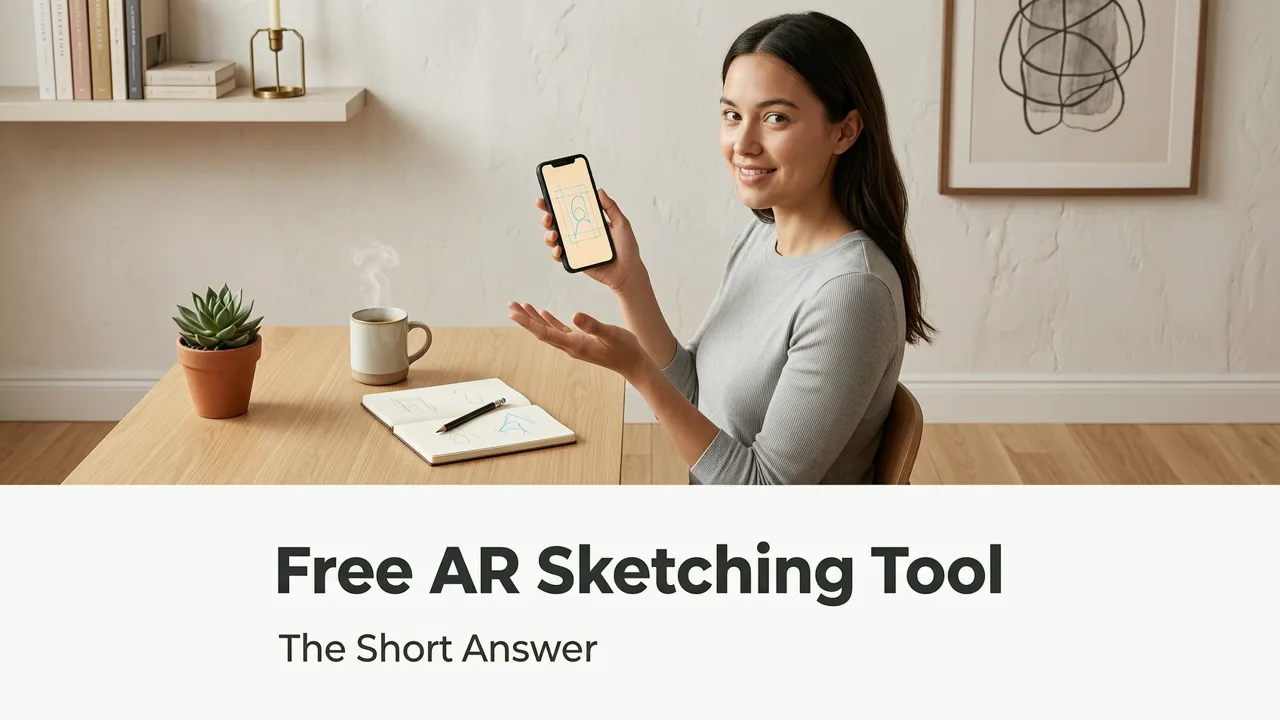
Free AR Sketching Tool — The Short Answer
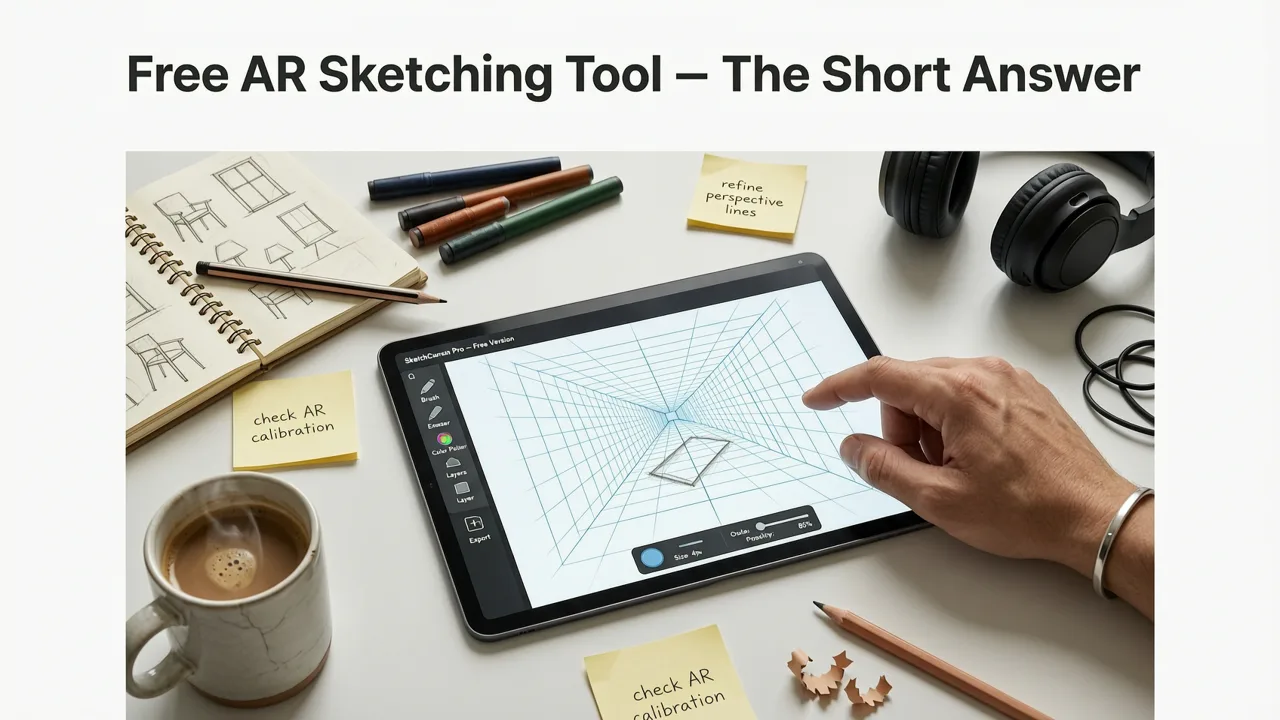
Wondering if there is a free AR sketching tool that actually works without a light box, projector, or expensive drawing tablet? There is. AR Drawing is a free iOS app that uses your iPhone camera and augmented reality to overlay any image onto your paper, so you can trace it accurately in real time. No extra hardware, no complicated setup — just open the app, pick your reference, and start sketching.
If you have ever wanted to improve your drawing accuracy or simply learn how to sketch without feeling overwhelmed, this guide will walk you through exactly how a free AR sketching tool like AR Drawing works, what you need to get started, and how to get the most out of it in 2026.
Why a Free AR Sketching Tool Changes Everything for Beginners
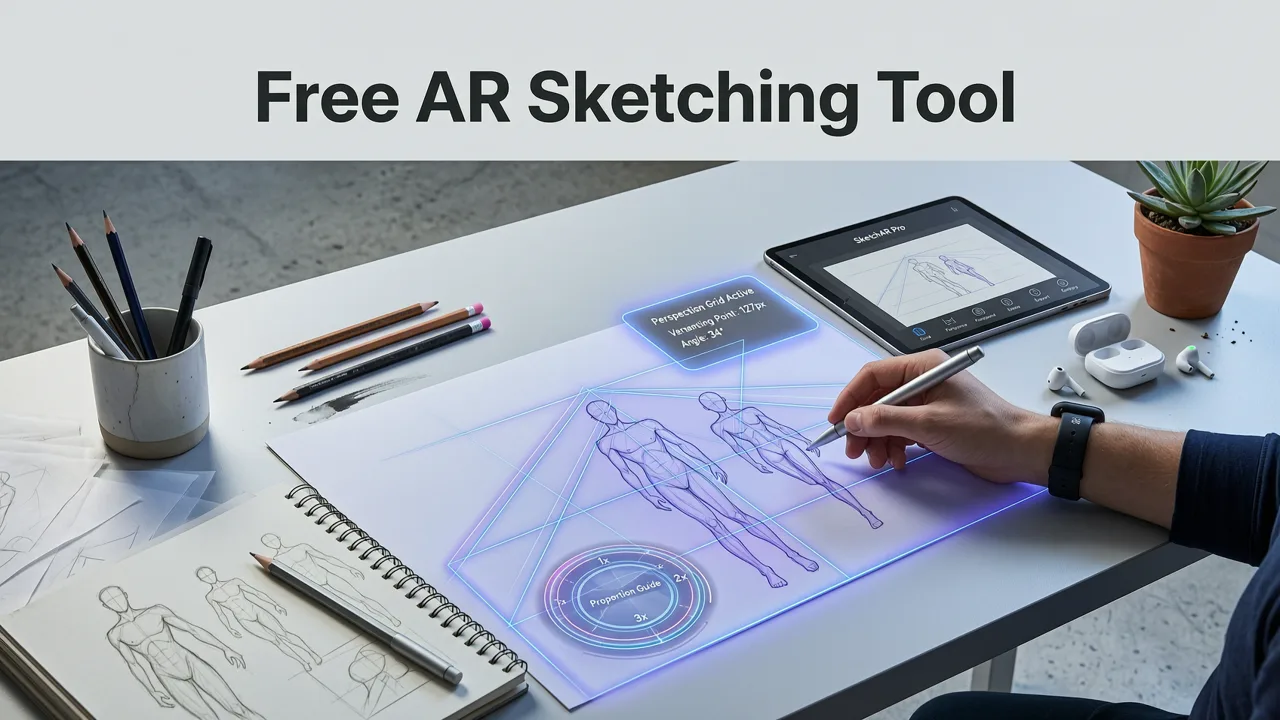
Learning to draw has always had a frustrating catch: you need reference images, but copying them freehand is hard, and the traditional tools for tracing — light boxes, projectors, printable grids — cost money and take up space. A free AR sketching tool removes that barrier entirely.
Drawing with Augmented Reality: AMAZING or AWFUL?? - SketchAR Review *Brutally Honest*
by Jazza
Here is what makes augmented reality tracing different from older methods:
- No extra equipment needed. Your phone camera replaces the light box.
- Real-time overlay. The image sits on your paper through the screen, so you can see your pencil and the reference at the same time.
- Adjustable opacity. Dim the overlay as you gain confidence and rely less on the guide.
- Instant reference swapping. Try a different image in seconds instead of reprinting grids.
- Portable. Sketch anywhere — kitchen table, park bench, classroom — with nothing but your phone and a pencil.
For hobbyists and beginners, this means more practice time and less frustration. You can focus on building hand control and understanding proportions instead of wrestling with equipment.
What Is AR Drawing and How Does It Work?
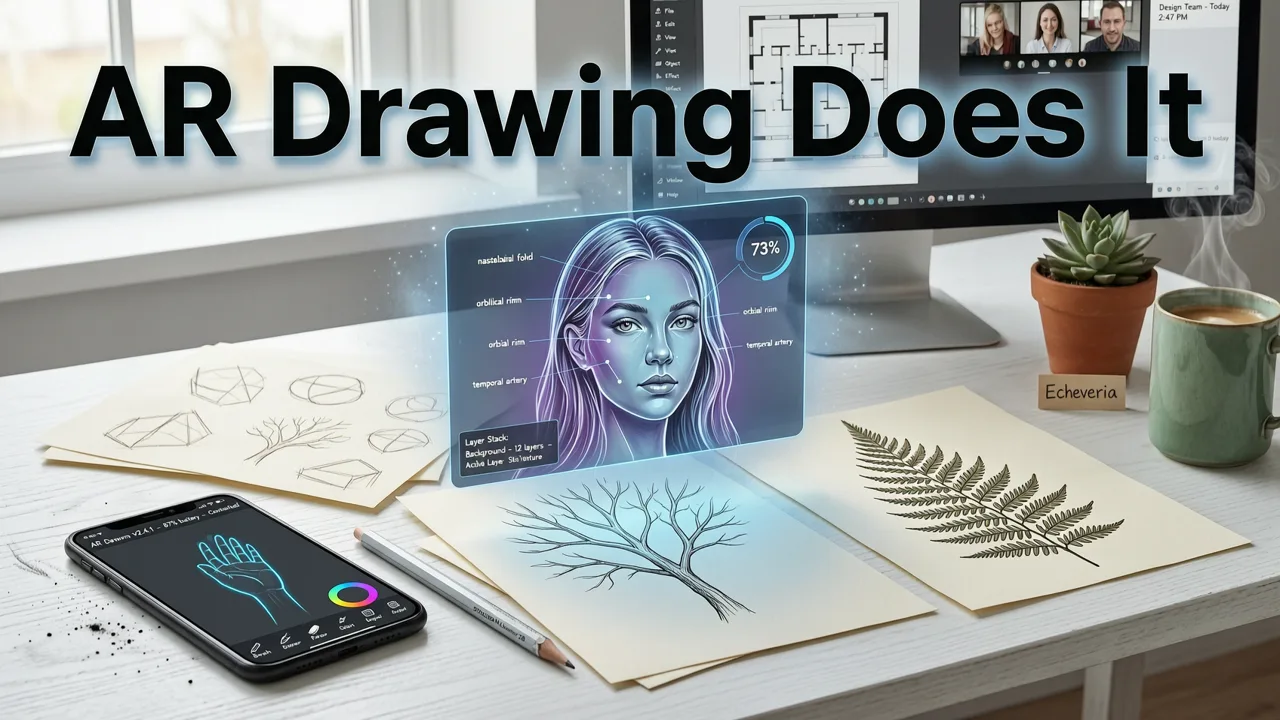
AR Drawing is an iOS app that turns your iPhone into a smart tracing assistant. You upload or choose an image inside the app, and the app uses augmented reality to project that image as a semi-transparent overlay on your real-world paper through your phone camera.
The workflow is simple:
- Open AR Drawing on your iPhone.
- Select or upload the reference image you want to trace.
- Position your phone above your paper so the overlay aligns with the page.
- Adjust the scale and opacity of the overlay until it feels comfortable.
- Trace the visible lines with your pencil, following the on-screen guide.
- Fade the overlay as you improve to challenge yourself.
That is it. There is no calibration nightmare, no Bluetooth stylus requirement, and no subscription wall hiding basic features. If you want a deeper walkthrough, the guide on how to trace a drawing with your phone camera covers every step in detail.
What You Need Before You Start
One of the biggest advantages of a free AR sketching tool is how little gear it demands. Here is a quick checklist so you can jump in without a shopping trip.
| Item | Why It Matters | Budget-Friendly Option |
|---|---|---|
| iPhone (iOS) | AR Drawing runs on iOS devices with a camera | Any recent iPhone model works |
| Paper | Standard sketch paper is fine | Any printer or sketch pad |
| Pencil | A regular HB or 2B pencil for tracing | Mechanical pencil for fine lines |
| Phone stand or steady hand | Keeps the overlay aligned while you draw | A small tripod or even a mug to prop the phone |
| Good lighting | Helps the camera see the paper clearly | Natural daylight or a desk lamp |
Notice there is no graphics tablet, no projector, and no expensive app subscription on that list. That is the point.
How to Get the Most Out of AR Drawing in 2026
Having the tool is one thing. Using it well is another. Here are practical tips that will help you improve faster.
Start with Simple Shapes
Do not jump straight into a photorealistic portrait. Pick reference images with clear outlines — cartoon characters, simple animals, or basic objects. AR Drawing makes it easy to practice fundamentals without pressure. If you want curated ideas, check out the cute doodle ideas for practice collection.
Use Opacity as a Training Wheel
When you first start, keep the overlay opacity high so you can see every line clearly. After a few sessions, lower the opacity gradually. This forces your hand to rely more on memory and observation, which is where real skill growth happens.
Practice Proportion Before Detail
Before you trace tiny details, use the overlay to block in the major shapes and check your proportions. Get the big relationships right first, then refine. This habit transfers to freehand drawing over time.
Trace Regularly, Not Perfectly
Short daily sessions beat long occasional ones. Even ten minutes of tracing with AR Drawing a few times a week builds muscle memory and spatial awareness faster than a single marathon session.
Combine Tracing with Freehand Sketches
Use AR Drawing to trace a reference, then put the phone away and try to redraw the same subject from memory. This combination of guided practice and recall is one of the fastest ways to develop real drawing ability.
Free AR Sketching Tool vs. Other Tracing Methods
If you are still weighing your options, here is how a free AR sketching tool stacks up against the alternatives people commonly use.
| Method | Cost | Portability | Setup Time | Best For |
|---|---|---|---|---|
| AR Drawing (free AR sketching tool) | Free | High — phone only | Under 30 seconds | Beginners, hobbyists, on-the-go sketching |
| Light box | $20–$80+ | Low — needs a flat surface and power | 1–2 minutes | Detailed ink work, animation cels |
| Art projector | $50–$300+ | Low — bulky, needs a wall or surface | 5+ minutes | Large-scale murals and canvas work |
| Grid method (printable) | Free (paper + printer) | Medium | 2–5 minutes | Classroom exercises, no-tech artists |
| Drawing tablet with layers | $200–$800+ | Medium | 1–3 minutes | Digital artists, illustrators |
For anyone who is just learning to draw or wants a low-commitment way to practice, the AR approach wins on cost, portability, and speed. You can find a more detailed breakdown in the best app to trace drawings on phone guide.
Who Benefits Most from a Free AR Sketching Tool?
AR Drawing is not just for one type of artist. Here are the people who get the most value from it.
- Complete beginners who feel intimidated by blank paper and want a guided starting point.
- Hobbyist artists who want to practice regularly without hauling extra gear.
- Parents and kids looking for a screen-time activity that produces something tangible on paper.
- Students studying art fundamentals who need a portable, affordable tracing solution.
- Casual doodlers who want to draw cute characters and simple illustrations for fun. The how to draw cute things step by step guide pairs perfectly with AR Drawing for this.
Common Questions About Free AR Sketching Tools
Before you download, here are answers to the questions people ask most often.
Is AR Drawing really free?
Yes. AR Drawing is available as a free download on the iOS App Store. You can start tracing immediately without paying upfront.
Do I need an Apple Pencil or stylus?
No. A regular pencil and paper are all you need. The phone acts as the guide, and you draw on physical paper underneath it. A stylus is optional and not required.
Does it work on Android?
AR Drawing is currently available on iOS. If you have an iPhone or iPad, you are good to go.
Can I use my own photos as references?
Absolutely. You can upload your own images or choose from the built-in library inside the app.
Will tracing make me dependent on the tool?
Not if you use the opacity feature wisely. Start with a strong overlay and gradually reduce it over time. The goal is to build confidence and hand control, not to trace forever.
Tips for Setting Up Your AR Drawing Workspace
A small amount of setup goes a long way. Here is how to create a comfortable tracing environment at home.
- Pick a flat surface. A desk or table works best. Avoid soft surfaces like beds that make the phone wobble.
- Prop your phone steadily. A small phone tripod, a stack of books, or even a mug can hold your device at a consistent angle above the paper.
- Light the paper evenly. Bright, even lighting helps the camera track the paper and keeps the overlay sharp.
- Leave room to move. Make sure your hand can move freely under the phone without bumping it.
- Keep references nearby. If you are working from a photo on another device, keep it within reach so you can compare without losing your place.
Why 2026 Is the Best Time to Start Drawing with AR
Augmented reality on smartphones has matured significantly. Camera tracking is faster, overlay stability is better, and apps like AR Drawing have refined their interfaces to the point where setup is nearly instant. In 2026, there is no reason to wait for the "right" equipment before you start practicing.
The barrier to learning to draw has never been lower. A free AR sketching tool in your pocket, a pencil, and a sheet of paper are all you need to begin building real skill today.
Start Sketching with AR Drawing Today
If you have been looking for a free AR sketching tool that is simple, effective, and genuinely helpful for beginners and hobbyists, AR Drawing is worth trying. It turns your iPhone into a portable tracing guide, helps you build confidence on paper, and costs nothing to get started.
Download AR Drawing on the App Store, pick your first reference image, and trace something today. Your next sketch is only a tap away.


